Blackboard: An Overview
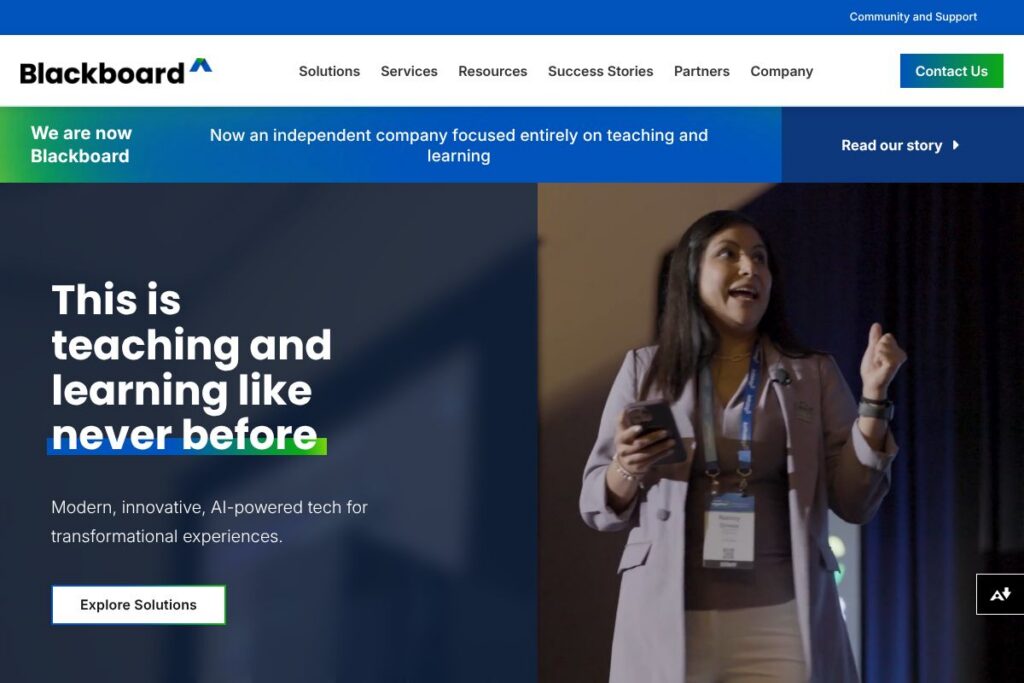
Blackboard is a learning management system built for colleges, universities, government agencies, and large enterprises. It combines a traditional LMS with built-in generative AI capabilities, accessibility tooling, assessment workflows, and analytics to support course delivery, compliance training, and institutional planning. Blackboard’s suite includes targeted products such as Blackboard Ally for accessibility and Blackboard Evaluate for course feedback and reporting.
In the LMS market Blackboard is most commonly compared with Canvas (Instructure), D2L Brightspace, and Moodle. Compared with Canvas, Blackboard offers a broad integrated product set that bundles accessibility and evaluation tools with the LMS core. Compared with D2L Brightspace, Blackboard emphasizes administrative analytics and accreditation workflows, while Moodle is often chosen by teams that prefer open source customizability over a packaged enterprise offering.
Blackboard does well at large-scale deployments that require secure, compliant hosting, deep accessibility support, and consolidated assessment and institutional effectiveness tools. The platform is best for universities and government organizations that need feature breadth, centralized control, and vendor-managed services rather than a lightweight or single-purpose LMS.
How Blackboard Works
Course authors create and manage course shells, upload materials, and configure assessments through the Blackboard web interface or mobile apps. Faculty can use built-in AI tools to generate draft content, suggested assessment items, or feedback snippets, then refine and publish materials to enrolled learners.
Administrators connect Blackboard to student information systems, identity providers, and content repositories using standard connectors and LTI integrations to keep rosters, grades, and credentials in sync. Accessibility workflows route content through Blackboard Ally for remediations, while Blackboard Evaluate collects learner feedback and feeds results into institutional dashboards for program review.
Blackboard features
Blackboard centers on course delivery, accessibility, assessment, analytics, and integrations, with recent emphasis on generative AI to reduce administrative overhead for instructors and speed up content creation. Core capabilities span course management, grading and assessment, accessibility remediation, evaluation surveys, learning analytics, and integrations with SIS and identity providers.
The platform includes several powerful capabilities worth highlighting:
Generative AI tools
AI features assist with drafting course materials, generating quiz items, and producing feedback at scale. These tools aim to reduce repetitive tasks for instructors, speed course build cycles, and provide personalized prompts or study guides for learners while allowing human review before publishing.
Personalized and adaptive learning
Adaptive release rules, mastery-based paths, and analytics-driven recommendations help tailor content to learner progress. Instructors can set competency thresholds that unlock subsequent content or remediation, which supports differentiated instruction across large cohorts.
Accessibility with Blackboard Ally
Ally analyzes uploaded content, produces alternative formats such as tagged PDFs and audio, and provides instructor guidance to improve accessibility. This lowers the barrier to meeting accessibility standards and helps institutions address Title II obligations while offering personalized formats to learners.
Assessment and course evaluation with Blackboard Evaluate
Evaluate streamlines survey delivery, data collection, and reporting for course evaluations and program feedback. Automated reporting and export capabilities speed review cycles and allow administrators to act on qualitative and quantitative feedback more quickly.
Institutional effectiveness and analytics
Assessment management, outcomes mapping, and accreditation workflows centralize program review and strategic planning. Dashboards aggregate outcome measures and learning analytics so leadership can track improvements over time and align resources with institutional priorities.
Security, compliance, and scalability
Enterprise-grade hosting options include compliance controls, role-based access, and integrations with single sign-on providers for centralized identity management. The platform supports high-concurrency deployments and common regulatory requirements for government and higher education training.
Integrations and interoperability
Blackboard supports LTI, IMS standards, and SIS connectors to integrate third-party tools, content providers, and student systems. That interoperability reduces manual data handling and lets institutions compose best-of-breed stacks alongside the LMS.
With this set of capabilities Blackboard is positioned to handle end-to-end academic and administrative workflows, from course authoring to institutional accreditation, while reducing routine work for instructors and accessibility teams.
Blackboard pricing
Blackboard uses an enterprise licensing model with custom pricing that varies by deployment size, modules selected, hosting preferences, and support level. Pricing is typically quoted per institution or agency rather than as public per-seat plans, and licensing can include bundles for LMS, Ally, Evaluate, and institutional effectiveness products.
For tailored pricing, deployment options, and licensing arrangements visit Blackboard’s contact and sales page to request a quote or discuss options with a sales representative.
What is Blackboard Used For?
Blackboard is used for delivering online and blended courses, administering assessments and evaluations, and managing compliance and training programs. Institutions rely on Blackboard to centralize course materials, automate grading workflows, and manage large numbers of concurrent learners across departments.
Beyond classroom delivery, Blackboard is used for enterprise and government training programs that require secure content distribution and reporting. Administrators use the platform’s analytics and assessment modules to drive continuous improvement, accreditation preparation, and workforce readiness initiatives.
Pros and Cons of Blackboard
Pros
- Broad enterprise feature set: Blackboard bundles LMS core functionality with accessibility, evaluation, and institutional effectiveness tools, reducing the need for multiple vendors. This tight integration helps institutions manage course delivery, compliance, and program review from a single provider.
- Accessibility-first tooling: Blackboard Ally provides automated accessibility checks and alternative formats, making it easier for instructors to meet accessibility standards and for learners to access materials in formats that suit their needs.
- Scalable and secure deployments: The platform supports large implementations with role-based access controls, SSO integrations, and compliance features that meet government and higher education requirements.
Cons
- Complexity for small teams: The breadth of features can introduce administrative overhead for smaller institutions or departments that need only basic LMS capabilities. Implementation and configuration often require dedicated IT and instructional design resources.
- Enterprise pricing model: Licensing is negotiated per institution which can be cost-prohibitive for small colleges or organizations without centralized budgets. Budget planning typically requires direct vendor engagement to understand total cost of ownership.
Does Blackboard Offer a Free Trial?
Blackboard is paid-only and offers demos or trial arrangements on request. Institutions and agencies typically book product demonstrations or pilot arrangements through Blackboard’s sales team to evaluate modules like the LMS, Ally, or Evaluate in their environment; contact details are available on Blackboard’s contact and sales page.
Blackboard API and Integrations
Blackboard provides developer-facing APIs and supports industry standards such as LTI and IMS to enable integrations with SIS, content providers, and third-party learning tools. The platform’s integration ecosystem allows institutions to extend capabilities or build custom connectors for single sign-on, grade transfer, and roster synchronization.
Developers and administrators can review the Blackboard developer resources and API references on the Blackboard developer documentation site for endpoint details and integration examples.
10 Blackboard alternatives
Paid alternatives to Blackboard
- Canvas — A modern cloud-native LMS with a strong developer ecosystem and user-friendly interface often chosen by institutions seeking a contemporary UI and modular integrations.
- D2L Brightspace — Focuses on adaptive learning and analytics, with tools for competency-based education and enterprise-grade support for higher education and corporate learning.
- Cornerstone OnDemand — An enterprise learning and talent platform geared toward corporate training, compliance, and skills development across large organizations.
- Schoology — An LMS with K-12 and higher education usage, combining course management with social learning features and integration with common classroom tools.
- Sakai — A collaborative learning environment used mainly by higher education institutions that prefer an academic-focused feature set with community governance.
Open source alternatives to Blackboard
- Moodle — A widely used open source LMS with extensive plugin ecosystem, suitable for institutions that want full control over customization and hosting.
- Open edX — An open source platform originally developed for MOOCs, now used for large-scale course delivery and custom learning experiences with developer extensibility.
- Sakai — Also available as open source under community stewardship, offering academic-centered tools and flexibility for institutions that self-host or use managed services.
Frequently asked questions about Blackboard
What is Blackboard used for?
Blackboard is used to deliver online and blended learning, administer assessments, and manage institutional evaluation workflows. It supports course content delivery, grading and assessment, accessibility remediation, and analytics for program review.
Does Blackboard integrate with student information systems?
Yes, Blackboard integrates with common SIS platforms and identity providers. Integrations use standard connectors and LTI to synchronize rosters, grades, and authentication with campus systems.
How much does Blackboard cost?
Blackboard uses enterprise licensing with custom pricing. Costs depend on institution size, selected modules, hosting choices, and support requirements; contact Blackboard through their contact and sales page for a tailored quote.
Can Blackboard support accessibility requirements?
Yes, Blackboard includes accessibility tooling such as Blackboard Ally. Ally scans content, generates alternative formats, and provides guidance to help instructors improve the accessibility of course materials.
Does Blackboard provide APIs for developers?
Yes, Blackboard exposes developer APIs and supports LTI standards. Detailed API references and integration guides are available on the Blackboard developer documentation site.
Final Verdict: Blackboard
Blackboard is a mature, enterprise-grade LMS that pairs course delivery with accessibility, evaluation, and institutional analytics in a single vendor stack. It works well for large universities, government agencies, and enterprises that need integrated tooling, managed hosting, and strong compliance features rather than a minimal or self-hosted solution.
Compared with Canvas, which also targets large institutions, Blackboard tends to emphasize bundled capabilities such as Ally and Evaluate and enterprise services rather than a minimal core plus marketplace extensions. Both platforms use enterprise pricing models, so selection usually depends on required features, vendor support, and institutional priorities rather than price alone.
Overall, Blackboard is a solid choice for organizations that require a comprehensive LMS with built-in accessibility and assessment capabilities, and who prefer a vendor-managed approach for deployment, security, and support.