What is Clover
Clover is a point-of-sale platform and payments ecosystem designed for small and medium food and beverage businesses. It combines countertop and mobile hardware, payment processing, order management, staff tools, and an app marketplace so restaurants can handle in-person and online sales from a single system.
Compared with competitors, Clover sits between generalist POS vendors and restaurant-specialized providers. Compared with Square, Clover offers a wider set of dedicated hardware options and a larger merchant ecosystem; compared with Toast, Clover is more flexible for mixed retail and hospitality use while Toast focuses heavily on restaurant-specific workflows; compared with Lightspeed, Clover provides simpler onboarding for small operators and tighter integration between hardware and payments.
Clover does well at giving independent restaurants a single platform to manage transactions, online orders, and staff without stitching together many separate tools. It is a practical choice for small chains, cafes, food trucks, and quick-service operations that need integrated hardware, payments, and third-party ordering connections.
How Clover Works
Clover runs as a combined hardware and software solution. Restaurants install Clover terminals and mobile devices, configure menus and tax settings in the management console, then accept orders and payments on the devices or via online ordering channels that feed into the same system.
Shift and staff management, tips, and payouts are handled through Clover’s administrative dashboard, while third-party ordering platforms and websites can be connected so online orders appear in the same order queue. Merchants use the Clover App Market to add functionality such as loyalty, accounting sync, and delivery routing.
Operational workflows typically look like: set up menu items and modifiers in the back office, ring orders at the counter or tableside with a Clover Flex or Station, route online orders into the kitchen printer or kitchen display, and reconcile sales and payouts in the merchant dashboard.
What does Clover do?
Clover provides an integrated set of restaurant POS capabilities, combining order entry, payment acceptance, staff and shift tools, online ordering consolidation, and an app marketplace for additional services. Recent platform emphasis has focused on consolidating online orders and expanding third-party integration points.
Let’s talk Clover’s Features
Order management
Clover captures dine-in, takeout, and delivery orders with support for item modifiers, course timing, and seat-level ordering. Orders can be routed to kitchen printers or third-party kitchen display systems, which helps streamline service and reduce manual handoffs.
Payments and processing
Clover processes card-present and card-not-present transactions and supports contactless, chip, and magstripe payments through its certified terminals. The system consolidates settlements and provides transaction reporting that helps with daily reconciliation and deposit tracking.
Staff management and payroll
Built-in staff features include clock-in/clock-out, shift tracking, role-based permissions, and tip management. Data from shifts can be exported or connected to payroll apps via the App Market so payroll calculations and labor reporting integrate with sales data.
Online ordering and third-party integrations
Clover centralizes orders from custom websites and connected ordering platforms into the same POS flow. Integrations handle menu syncing, order routing, and inventory adjustments to keep online and in-person sales aligned.
Reporting and analytics
The dashboard provides sales summaries, item-level performance, and basic labor reports so operators can monitor top-selling dishes, peak hours, and average ticket size. Reports can be exported for deeper analysis in accounting or business intelligence tools.
Hardware options
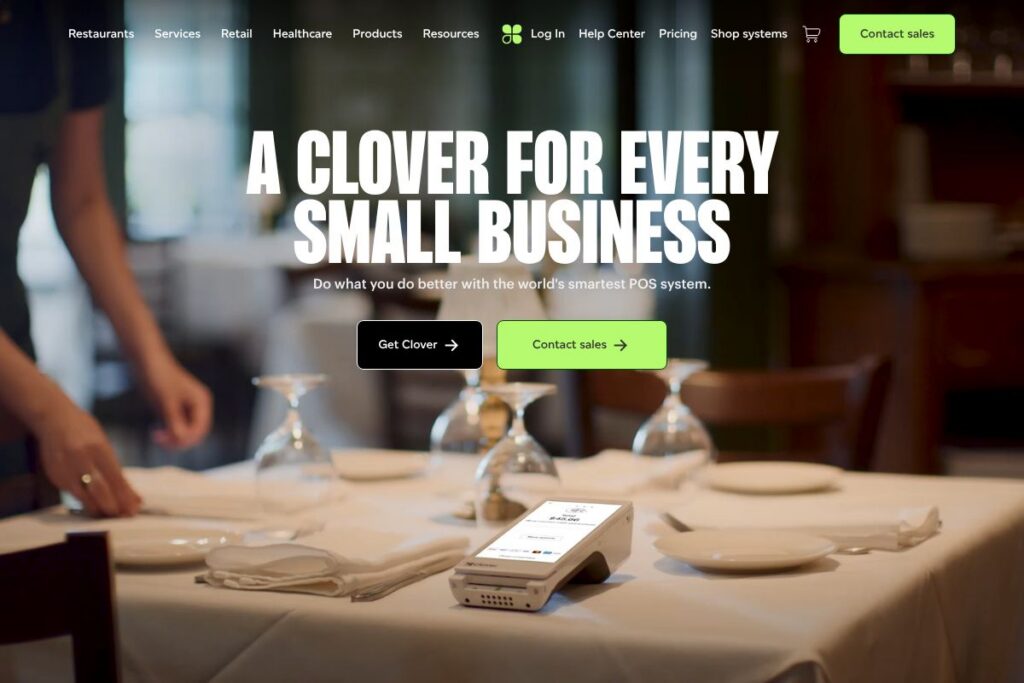
Clover offers fixed countertop terminals, mobile devices like Clover Flex, and companion hardware such as printers and cash drawers, enabling tableside ordering, line-busting, or a traditional counter setup. Hardware selection affects workflow, mobility, and where payments are taken.
With Clover you get a consolidated platform for payments and restaurant workflows, a broad hardware lineup, and an app marketplace that lets you add specialized services without replacing the core POS.
Clover pricing
Clover uses a merchant pricing model that combines hardware purchases or leases with payment processing and software subscriptions, tailored to business size and needs. Because pricing is tied to hardware choices and merchant account arrangements, Clover does not publish a single universal price list.
For current plan options and hardware pricing, view Clover’s current pricing options. You can also discuss custom pricing and merchant account terms with Clover sales or an authorized reseller through the same site.
What is Clover Used For?
Clover is used to run front-of-house and back-of-house operations for cafes, full-service restaurants, quick-service counters, food trucks, and specialty dining. It handles order entry, payment acceptance, and the basic operational data needed to manage daily service.
Operators also use Clover to consolidate online orders, run loyalty and marketing through the App Market, and connect sales data to accounting or payroll tools. Its hardware flexibility makes it a fit for businesses that need a mix of countertop and mobile POS devices.
Pros and Cons of Clover
Pros
- Integrated hardware and payments: Clover bundles terminal hardware with payment processing, simplifying setup and daily operations without extensive third-party wiring.
- Centralized online ordering: Consolidates third-party and custom website orders into a single order flow, reducing order fragmentation and manual reconciliation.
- App Market extensibility: A marketplace of third-party apps lets restaurants add loyalty, accounting sync, delivery routing, and other capabilities without replacing the POS.
- Flexible hardware options: From mobile units like the Clover Flex to counter stations, the hardware portfolio supports tableside service, line-busting, and traditional counter use.
Cons
- Merchant account dependency: Pricing and processing terms vary by merchant account and reseller, which can make it harder to compare net costs across providers with transparent fee schedules.
- Less restaurant-specialized than some rivals: Competitors built exclusively for restaurants, such as Toast, provide more restaurant-specific modules out of the box, particularly for multi-location operations.
- App-based feature gaps: Some advanced workflows require third-party apps from the App Market, which can add monthly costs and integration work.
Does Clover Offer a Free Trial?
Clover does not publish a universal free plan, and trial or demo options are handled through sales and authorized resellers. Prospective merchants can request demos, test systems in-store, or discuss trial arrangements with a Clover representative to see hardware and software workflows before committing.
Clover API and Integrations
Clover provides developer tools and an app ecosystem that let partners build integrations for payments, inventory, reporting, and online ordering. The Clover platform exposes APIs and SDKs for building custom apps and connecting third-party services.
Developers can consult the Clover Developer documentation for API endpoints, SDKs, and app submission guidelines via the Clover Developer documentation. Key integrations available through the App Market include accounting sync, payroll, delivery routing, and loyalty providers.
10 Clover alternatives
Paid alternatives to Clover
- Square — An all-in-one POS and payments provider with simple onboarding, integrated payments, and a strong small-merchant focus, including restaurant features and online ordering.
- Toast — A restaurant-first POS that bundles restaurant workflows, online ordering, and payments with features for multi-location scaling and kitchen management.
- Lightspeed — A cloud POS with strong inventory and multi-location management, suited for restaurants and retail operations that need robust stock controls.
- Revel Systems — An iPad-based POS aimed at mid-market restaurants and chains, with advanced reporting and enterprise features.
- Shopify POS — A commerce-focused POS for merchants who need tight integration between online stores and in-person sales, useful for cafes and hybrid retail-food operations.
- Upserve — A restaurant-oriented platform combining POS functionality with analytics and guest management tools designed for table service restaurants.
Open source alternatives to Clover
- Odoo — An open-source ERP with a POS module that can be extended to support restaurants, inventory, accounting, and CRM through modular apps.
- uniCenta — A cross-platform open-source POS that supports multiple terminals, basic inventory, and receipt printing, suitable for small restaurants and cafes.
- Floreant POS — An open-source restaurant POS designed for quick-service and full-service venues, with kitchen printing and order modifier support.
- Chromis POS — A community-driven fork with basic restaurant features, kitchen printing, and offline operation capabilities for low-cost deployments.
Frequently asked questions about Clover
What types of restaurants can use Clover?
Clover supports full-service, quick-service, and specialty dining operations. Its hardware and app ecosystem make it adaptable for cafes, food trucks, multi-location small chains, and sit-down restaurants.
Does Clover integrate with online ordering platforms?
Yes, Clover consolidates third-party and website orders into the POS. Integrations and App Market apps handle menu syncing and order routing so online sales flow into the same order queue as in-person transactions.
How does Clover handle payments and processing fees?
Clover combines hardware, software, and merchant account processing with terms set by Clover or authorized resellers. Processing rates and settlement timing depend on the merchant agreement, so merchants should review the payment terms with sales before signing.
Can Clover manage staff scheduling and payroll?
Clover includes staff tools for time tracking, permissions, and tip management, and integrates with payroll apps. Shift data can be exported or connected through App Market integrations to streamline payroll workflows.
Does Clover offer an API for developers?
Yes, Clover provides developer APIs and SDKs for custom integrations and apps. Developers can use the Clover Developer documentation to build apps that interact with orders, payments, customers, and inventory.
Final verdict: Clover
Clover is a practical POS choice for small and medium food and beverage businesses that want an integrated hardware and payments platform with built-in order management and a broad app ecosystem. It excels at consolidating in-person and online order flows, offering flexible hardware, and giving merchants a single dashboard for daily operations.
Compared with Toast, which is priced and configured specifically for restaurants and typically bundles many restaurant-specific features, Clover presents broader hardware choices and an app-driven approach that can be more flexible for businesses that also need retail capabilities. For operators focused exclusively on restaurant-centric features at scale, Toast may offer deeper built-in restaurant modules; for mixed-use merchants and those who prefer modular extensibility, Clover is a compelling option.