Deskpro: An Overview
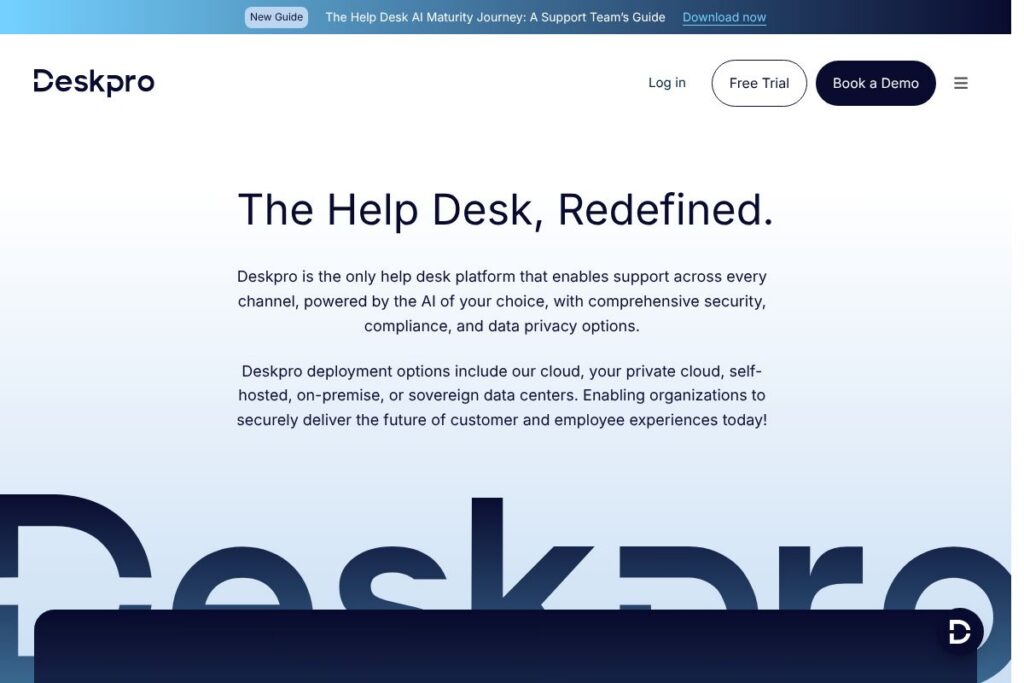
Deskpro is an omnichannel help desk platform built to handle customer and employee support across email, chat, social, phone, and self-serve channels. It combines ticket management, agent collaboration, and AI-powered assistance in deployments that can run in Deskpro Cloud, private cloud, on-premise, or sovereign data centers.
Compared with competitors like Zendesk and Freshdesk, Deskpro emphasizes flexible deployment and data residency options rather than only public cloud hosting. Compared with ServiceNow, Deskpro targets high-quality support workflows and agent productivity with faster setup and deeper customization for support teams rather than broad ITSM process coverage.
All of this makes Deskpro well suited to organizations that require strict data control, multi-regional hosting, and built-in AI support. It is particularly appropriate for regulated industries, distributed enterprises, and teams that want an omnichannel help desk that can be securely hosted inside their own environment.
How Deskpro Works
Deskpro organizes incoming messages into a central ticket stream and lets teams route, prioritize, and collaborate on incidents through configurable workflows, triggers, and automations. Agents work inside a unified interface that surfaces conversation history, suggested replies, knowledge base content, and AI-assisted drafting to speed resolution.
In practice a typical workflow looks like this: a customer message arrives via chat or email, Deskpro classifies intent and sentiment, automated routing sends the ticket to the right queue, the agent receives AI-suggested responses and knowledge articles, and the ticket is resolved or converted into a KB article for self-serve. Administrators can create custom triggers to escalate, tag, or reassign tickets based on language, SLAs, or other metadata.
What does Deskpro do?
Deskpro centers on omnichannel ticketing, AI-assisted agent tools, and enterprise deployment options. Core capabilities include AI agent assist, AI chatbots, automated routing based on intent and sentiment, deep customization for workflows and branding, and built-in compliance support for regulated environments.
Omnichannel ticketing
Consolidates email, chat, social messages, phone logs, and form submissions into a single ticket stream so agents can handle requests without switching systems. This reduces context switching and provides consistent audit trails across channels.
AI agent assist (co-pilot)
Provides drafting assistance, ticket summarization, and knowledge article creation to speed agent responses and reduce repetitive work. These capabilities are designed to increase first contact resolution and let agents focus on complex issues.
AI chatbot
Deployable across web, chat, and messaging channels to resolve routine questions before they reach an agent, lowering ticket volume and shortening response times. Chatbots can be tuned to escalate or hand off when intent or sentiment indicates human attention is required.
AI-powered workflow automations
Uses intent, sentiment, language, and metadata to route tickets automatically to the right team or agent, set priorities, and trigger follow-up actions. This helps meet SLAs more consistently while reducing manual triage.
Deployment flexibility
Offers Deskpro Cloud plus private cloud, self-hosted, on-premise, and sovereign data center deployments so organizations can keep data inside their security perimeter. Multi-regional hosting options are available for EU, UK, and US regions.
Security, compliance, and data privacy
Includes controls for encryption in transit and at rest, fine-grained access controls, and compliance alignments suitable for regulated sectors. The platform is positioned for SOC 2, ISO 27001, and HIPAA compliance, enabling adoption in industries with tight data requirements.
Integrations and data indexing
Connects to external content and systems so AI can index manuals, FAQs, PDFs, websites, and internal data lakes for faster, more accurate answers across channels. Integrations also allow syncing user records, CRM data, and external ticket sources.
Customization and white labeling
Supports extensive configuration of workflows, triggers, automations, user roles, and branding to match support operations and customer-facing pages. Configuration changes can be applied without deep engineering work for many common use cases.
With these features Deskpro focuses on reducing repetitive agent work, improving resolution speed, and maintaining data control for organizations that need private or sovereign deployments.
Deskpro pricing
Deskpro uses a flexible, enterprise-focused pricing approach with subscription and custom options, tailored to deployment type and support requirements. Pricing varies by deployment model, seat counts, AI usage, and managed hosting choices, so organizations typically request a customized quote.
Deployment-based pricing
Cloud and SaaS options: Pricing for Deskpro Cloud is subscription based and scales with users and features. Private cloud and on-premise: Custom quotes account for infrastructure and support requirements.
Enterprise and custom agreements
Enterprise: Custom pricing (includes compliance, SLAs, dedicated support) is available for regulated or high-volume deployments. For detailed and current purchasing options, view Deskpro’s product and contact information.
What is Deskpro used for?
Deskpro is commonly used to centralize customer and employee support across multiple channels, manage SLAs, and reduce manual ticket triage through automation. Support teams use it to lower handling time, improve first contact resolution, and provide consistent answers across web chat, email, and social channels.
It is also used by organizations that require strict control over data location and AI usage, for example by deploying Deskpro in private clouds or on-premise to meet regulatory or internal security policies. IT support, product support, and HR/employee service teams are typical users.
Pros and Cons of Deskpro
Pros
- Deployment flexibility: Offers cloud, private cloud, self-hosted, on-premise, and sovereign data center options so organizations can meet data residency and security requirements.
- AI integration for support workflows: AI agent assist, chatbots, and automated routing reduce repetitive work and improve agent productivity across channels.
- Enterprise compliance: Designed to support SOC 2, ISO 27001, and HIPAA requirements which helps regulated organizations adopt AI-enabled support.
- Customizability: Deep workflow, trigger, and white-label options allow organizations to tailor the help desk to existing processes and branding.
Cons
- Enterprise orientation: The platform’s deployment and compliance capabilities are optimized for larger or regulated organizations, which may be more than smaller teams need.
- Potential implementation complexity for self-hosting: On-premise or private cloud deployments require infrastructure planning and security operations compared with a pure SaaS option.
Does Deskpro Offer a Free Trial?
Deskpro offers trial and demo options to let teams evaluate the product and AI capabilities before committing to an enterprise plan. Trials typically include access to core Deskpro Cloud features and a guided demo to show deployment and integration options, with custom demonstrations available for private or on-premise scenarios.
Deskpro API and Integrations
Deskpro provides developer-facing APIs and webhooks to integrate with CRMs, authentication systems, and third-party tooling; the developer resources cover REST endpoints for tickets, users, and automation. Explore Deskpro’s developer resources and integration documentation for technical details and endpoint references.
Common integrations include Slack, Microsoft Teams, Salesforce, and Google Workspace for user syncs and notifications, along with connectors for indexing external knowledge sources so AI assistants can access up-to-date content.
10 Deskpro alternatives
Paid alternatives to Deskpro
- Zendesk — A widely used cloud help desk with extensive app ecosystem and multi-channel support, suited for teams that prefer a managed SaaS experience.
- Freshdesk — A cloud-first support platform with omnichannel features and built-in automation designed for small to mid-size teams.
- ServiceNow — Enterprise-grade ITSM and customer service platform with deep workflow automation and IT process integrations.
- Help Scout — Email-first help desk with a focus on simplicity and shared mailboxes for customer-facing teams.
- Intercom — Conversational support and messaging platform that emphasizes live chat, routing, and product-led engagement.
- Kayako — Omnichannel help desk with a focus on conversational support and shared inbox experiences.
- Zoho Desk — Integrated help desk within Zoho’s suite, offering ticketing, automation, and contextual CRM data.
Open source alternatives to Deskpro
- osTicket — Open source ticketing system for basic support workflows with community-driven extensions.
- Zammad — Open source help desk with web-based ticketing, chat, and role-based access controls suitable for on-premise deployment.
- UVdesk — Open source helpdesk designed for e-commerce and integration with common storefront platforms.
Frequently asked questions about Deskpro
What is Deskpro used for?
Deskpro is used for omnichannel customer and employee support and ticket management. Teams use it to centralize conversations, automate routing, and improve agent productivity across channels.
Does Deskpro support private cloud or on-premise deployment?
Yes, Deskpro supports private cloud, on-premise, and sovereign deployments. This lets organizations keep data inside their security perimeter while still using Deskpro AI and automation features.
Can Deskpro integrate with Slack and Microsoft Teams?
Yes, Deskpro integrates with collaboration tools like Slack and Microsoft Teams. Integrations provide notifications, ticket creation, and user context inside those platforms.
Does Deskpro offer AI capabilities for agents?
Yes, Deskpro includes AI agent assist, chatbots, and workflow automations. AI features can summarize tickets, draft replies, create KB articles, and route tickets based on intent and sentiment.
How does Deskpro handle compliance and data privacy?
Deskpro provides features and controls to support SOC 2, ISO 27001, and HIPAA compliance. The platform supports encryption, access controls, and deployment options that align with strict regulatory requirements.
Final Verdict: Deskpro
Deskpro stands out for organizations that need omnichannel support combined with strict control over data residency and AI usage. Its flexibility to run in public cloud, private cloud, on-premise, or sovereign data centers, plus AI features for agent assist and automated routing, make it a strong choice for regulated industries and enterprises with complex hosting requirements.
Compared with Zendesk, Deskpro emphasizes private deployments and enterprise compliance rather than only public cloud convenience; pricing for Deskpro is typically tailored to deployment and enterprise needs while Zendesk follows a more standardized public tier model. For teams that require deploy-anywhere architecture and configurable AI with compliance controls, Deskpro is a noteworthy option.