Front: An Overview
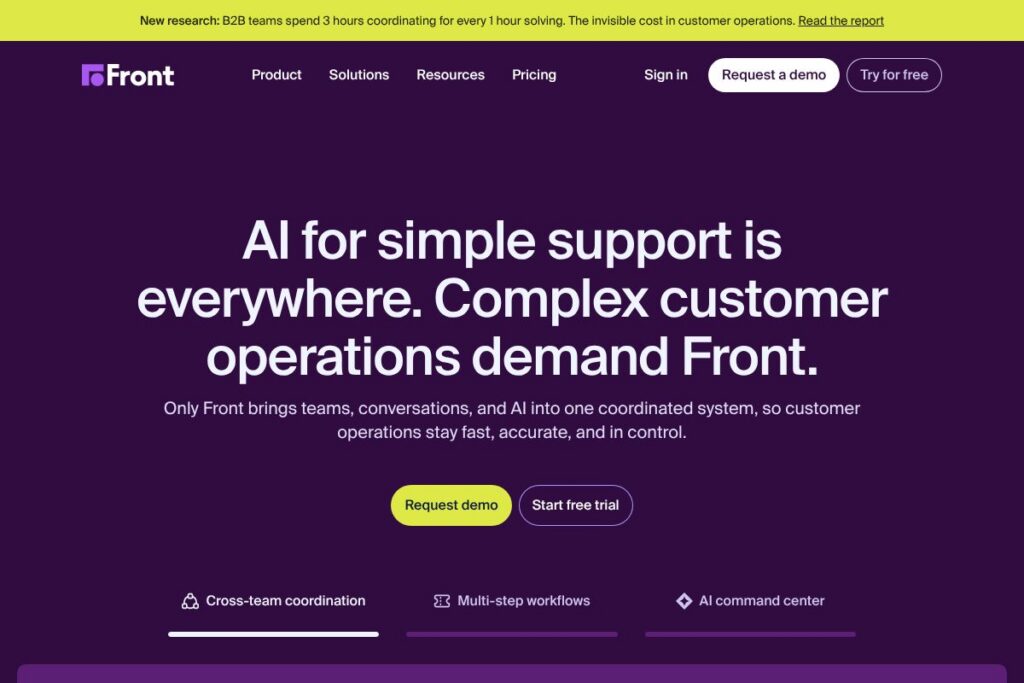
Front is a customer communication platform that combines shared inboxes, automation, and analytics to help customer-first teams manage complex, multi-channel support workflows. It is built around a shared view of conversations so multiple teams can collaborate on high-stakes tickets with full context and visibility.
Compared with competitors, Front emphasizes shared inbox collaboration and conversational workflow over single-agent ticket ownership. For example, Zendesk focuses on traditional ticketing and extensive self-service features, while Intercom prioritizes in-app messaging and product-led support. Front sits between those approaches by treating customer conversations as team workflows rather than isolated tickets.
Front is well suited for customer support, success, and operations teams that need to coordinate across departments, route work dynamically, and maintain conversational context. Its strengths are shared visibility, collaborative triage, and integrations that bring customer context into the inbox.
How Front Works
Front collects messages from multiple channels into shared inboxes where teams can assign, tag, and comment on conversations. Messages remain connected to customer context and metadata so teammates can hand off issues without losing history.
Automation rules, templates, and routing let teams escalate or reassign complex tickets automatically, while collision detection prevents duplicate responses. Typical workflows include routing high-priority incidents to on-call channels, creating follow-up tasks for product teams, and using templates plus AI-assisted drafting to speed replies.
Front integrates with CRM and internal tools so agents see customer records and order history inline; teams generally implement Front by mapping channels to mailboxes, configuring routing rules, and training playbooks for escalations and SLAs.
Front features
Front organizes conversations, automation, and analytics around team collaboration and operational control. Core capabilities include shared inboxes for email and messaging channels, workflow automations, collaboration tools like internal comments and assignments, and reporting that tracks response and resolution metrics. The platform continues to expand automation and AI-assisted drafting to reduce manual work.
Let’s talk Front’s Features
Shared inboxes
Shared inboxes consolidate email, SMS, chat, and social messages into team mailboxes with assignment, status, and internal comments. This reduces duplicated replies and ensures everyone sees the same conversation history, which helps cross-functional teams coordinate complex responses.
Automations and routing
Automation rules let teams route conversations by rules, set priorities, add tags, and trigger actions like auto-assigning or escalating to a different mailbox. Automations reduce manual triage and help enforce SLAs by routing tickets to the right team quickly.
AI-assisted drafting and templates
AI-assisted replies and reusable templates speed common responses while keeping a consistent voice across agents. Drafting assistance reduces time to first reply on frequently asked questions and lowers cognitive load for agents handling repetitive tasks.
Collaboration tools
Internal comments, private notes, collision detection, and shared drafts let multiple agents and teams work together on a single conversation without exposing internal discussion to the customer. These features improve handoffs and reduce the risk of dropped tickets when issues cross departments.
Analytics and reporting
Built-in dashboards and reports provide metrics on response time, resolution time, workload distribution, and agent productivity. Analytics help teams identify bottlenecks, track SLA compliance, and measure the impact of automation on throughput.
Integrations and API
Front connects with CRMs, helpdesk systems, chat platforms, and developer tools so teams can pull customer data into the inbox and push events to downstream systems. The integration layer supports common workflows such as creating CRM activities from conversations and posting incidents to collaboration channels.
With these features, Front helps teams reduce manual work, maintain shared context across departments, and measure operational health from a single place. The biggest benefit is turning multi-channel conversations into team-first workflows that are easier to coordinate and manage.
Front pricing
Front uses a subscription SaaS pricing model with multiple plan types and enterprise options, and does not publish a dedicated pricing breakdown on a single public pricing page. For current plan details and available tiers, view Front’s pricing and plans on the official site.
What is Front Used For?
Front is commonly used for multi-channel customer support where conversations require input from multiple teams. Organizations use it to centralize email, chat, SMS, and social messages into shared mailboxes that support collaborative triage and response.
Beyond support, Front is often used by customer success and operations teams to manage account-related workflows, escalations, and cross-team coordination. It is particularly useful when tickets need routing, visibility across departments, or when agents must combine contextual data from CRMs and order systems.
Pros and Cons of Front
Pros
- Shared visibility across teams: Centralized mailboxes and internal notes let multiple teams collaborate on a single conversation without losing context or duplicating work.
- Flexible automation: Rules, routing, and escalation workflows reduce manual triage and help teams scale consistent responses across channels.
- Collaboration-first design: Features like collision detection, shared drafts, and private comments improve handoffs and reduce errors when an issue involves several stakeholders.
Cons
- Custom pricing for larger teams: Enterprise-focused pricing can require sales engagement for exact quotes, which can slow evaluation for small teams that prefer transparent per-user pricing.
- Learning curve for advanced workflows: Setting up routing, tags, and multi-mailbox automations can be complex and may need dedicated configuration time for larger deployments.
Does Front Offer a Free Trial?
Front offers a free trial for new teams. The trial typically allows teams to evaluate core features such as shared inboxes, routing, automations, and reporting; sign up or start a trial through Front’s official site.
Front API and Integrations
Front provides an API for developers to build integrations, automate workflows, and surface conversation data in other systems. The Front API documentation explains endpoints for messages, conversations, webhooks, and user management and can be found in the official developer docs.
Key built-in integrations include CRM systems, messaging platforms, and collaboration tools so teams can bring customer context into the inbox and forward incidents to engineering or product systems. For technical details consult the Front API documentation.
10 Front alternatives
Paid alternatives to Front
- Zendesk — A comprehensive ticketing and customer service platform with multi-channel support and self-service tools suitable for larger help centers.
- Intercom — Focuses on conversational support and in-app messaging with product-led support workflows and targeted messaging features.
- Help Scout — A shared inbox and knowledge base platform with simple workflows and customer-facing documentation tools.
- Freshdesk — Cloud-based helpdesk offering ticketing, automation, and multi-channel support for teams of various sizes.
- Zoho Desk — Ticketing and context-aware service platform integrated into the Zoho suite, with automation and analytics features.
- Salesforce Service Cloud — Enterprise-grade service platform integrated with Salesforce CRM and extensive automation capabilities.
- Gorgias — Support platform built for e-commerce brands with tight integrations to Shopify and commerce workflows.
Open source alternatives to Front
- Zammad — Open source helpdesk with ticketing, multi-channel support, and reporting that teams can self-host.
- osTicket — Lightweight, commonly used open source ticketing system for basic helpdesk requirements and self-hosted environments.
- Request Tracker (RT) — Mature ticketing platform for tracking requests and workflows, often used in technical support and operations teams.
Frequently asked questions about Front
What is Front used for?
Front is used for managing multi-channel customer conversations with a collaborative, team-first inbox. Teams centralize email, chat, SMS, and social messages to streamline triage, routing, and response.
Does Front have an API?
Yes, Front provides a developer API for automations and integrations. The Front API documentation outlines endpoints for conversations, messages, webhooks, and user management.
Can Front handle escalations across departments?
Yes, Front supports routing and escalation workflows that move conversations between mailboxes and teams. Automation rules, tags, and assignments enable escalation without losing customer context.
Is Front suitable for small teams?
Front can be used by small teams but is often chosen by organizations that need cross-team collaboration and advanced routing. Small teams may appreciate the shared inbox model but should evaluate setup overhead for automations.
How does Front integrate with CRMs?
Front integrates with major CRM systems to surface customer records directly in conversations. These integrations let agents see relevant customer data without switching tools and can create CRM activities from conversations.
Final verdict: Front
Front excels at turning multi-channel conversations into collaborative workflows for teams that must coordinate across departments. Its shared inbox model, combined with automations and analytics, reduces duplicated effort and keeps customer context accessible during complex escalations.
Compared with a platform like Zendesk, which emphasizes ticket-centric support and publishes per-agent plan options, Front prioritizes team collaboration and conversational workflows. If your primary need is a shared, mailbox-style workflow with strong cross-team coordination, Front is a better fit; if you require a full ticketing system with extensive self-service and clear per-agent pricing, Zendesk may be preferable.
For specific plan details and to evaluate how Front maps to your team’s workflows, consult Front’s official site and developer documentation to review available features and trial options.