What is UserTesting
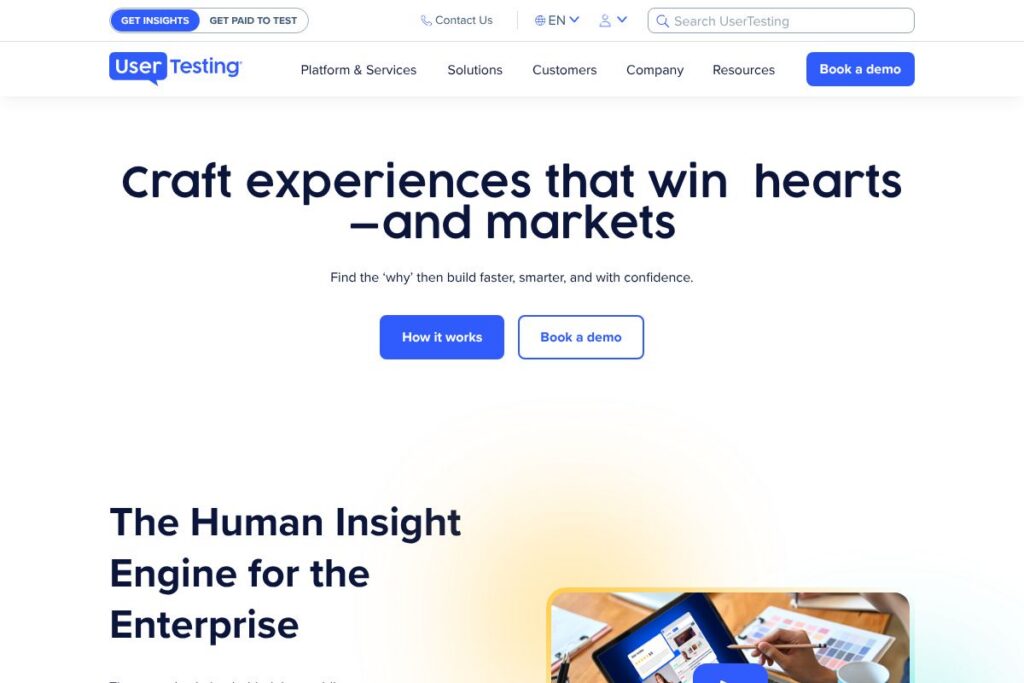
UserTesting is a human insight platform for enterprises that captures recorded and live feedback from a global panel of participants, then surfaces findings through analytics, AI-assisted summaries, and expert services. It combines moderated and unmoderated testing, session recordings, sentiment and body-language signals, and a participant recruitment engine to help teams validate ideas, refine designs, and reduce launch risk.
Compared with Qualtrics, UserTesting places more emphasis on video-based qualitative feedback and fast participant recruitment rather than broad survey distribution and experience management across many channels. Compared with Hotjar, UserTesting provides deeper moderated research options and a managed participant network instead of a focus limited to in-page heatmaps and session replays. Compared with UserZoom, UserTesting is positioned around quick iteration and video-first insight workflows for product, design, and marketing teams.
All of this makes UserTesting particularly well suited to mid-size and enterprise teams that need actionable, human-led feedback quickly. It performs strongly when teams need real people walking through flows, explaining decisions out loud, and providing context you cannot get from raw analytics alone.
How UserTesting Works
Teams set a research goal, recruit or target specific participants from UserTesting’s global panel, and then run moderated or unmoderated tests on desktop, mobile, or prototypes. Tests capture video and audio of participants completing tasks, combined with timestamps, click paths, and optional screen annotations for quick review.
Sessions are processed with AI-assisted transcription, sentiment tagging, and highlight reels so teams can find key moments faster; research teams can also schedule live interviews for deeper probing. Results feed into dashboards and reports that drive stakeholder alignment, prioritization, and design changes across product, marketing, CX, and design workflows.
What does UserTesting do?
UserTesting’s platform centers on capturing human feedback at scale and turning that feedback into prioritized insights that product, design, marketing, and CX teams can act on. Core capabilities include participant recruitment, moderated and unmoderated sessions, video recordings, AI-driven summarization, analytics dashboards, and expert services for research design and analysis.
The platform includes several powerful capabilities worth highlighting:
Participant Recruitment and Global Panel
Recruit participants from a large, curated global panel or bring your own customers; advanced screening filters help target demographics, behaviors, and product usage. This reduces the time needed to find relevant participants and increases the signal-to-noise ratio for targeted studies.
Moderated and Unmoderated Testing
Run live moderated interviews or set up unmoderated tasks that participants complete on their own schedule; both formats capture video, audio, and screen interactions. The choice lets teams balance depth of insight with speed and scale.
Video Recordings and Think-Aloud Capture
Record participants as they verbalize their thoughts while interacting with a product or prototype, which provides rich qualitative context that complements quantitative metrics. These recordings are searchable and annotated, making it easier to share vivid examples with stakeholders.
AI-Assisted Transcription and Highlight Reels
Automatic transcription and AI-generated highlights reduce manual review time by surfacing important quotes, sentiment shifts, and notable moments within sessions. Teams can create shareable highlight reels to accelerate decision making and alignment across stakeholders.
Sentiment, Tone, and Body Language Analysis
The platform analyzes vocal tone and visible expressions to help reveal frustration, confusion, or delight that might not appear in click metrics alone. These cues help teams prioritize usability issues and optimize flows for better conversion and satisfaction.
Analytics Dashboards and Reporting
Dashboards aggregate quantitative metrics such as task success rates, time on task, and NPS alongside qualitative highlights to provide a consolidated view of user experience health. Custom reports help teams track progress against KPIs like CSAT, conversion, and retention.
Integrations and Workflow Connectors
Prebuilt integrations connect sessions and insights into tools like product roadmaps, issue trackers, and collaboration platforms so research findings are actionable within existing workflows. This reduces friction between insight generation and product execution.
Expert-Led Services and Research Consulting
UserTesting offers services that help design studies, interpret results, and operationalize insights for teams that need extra research capacity or methodological guidance. These services are useful for organizations establishing or scaling research practices.
The biggest benefit is the platform’s ability to surface human context quickly, so teams can validate assumptions and iterate with evidence rather than guesswork.
UserTesting pricing
UserTesting uses a custom enterprise pricing model rather than published self-serve plans; pricing is tailored to organization size, the volume of tests, participant needs, and any managed services or expert support required. For specific plan structures, licensing options, and to request a quote, see the UserTesting website or contact sales through their platform.
What is UserTesting Used For?
UserTesting is used to validate product concepts and prototypes, uncover usability issues, and test marketing creative with target customers before wide release. Product and design teams use it to reduce rework by catching usability and accessibility problems early, while marketing teams use it to refine messaging and creative assets based on real audience reactions.
Customer experience and CX teams use UserTesting to benchmark journeys, collect VoC insights, and track CSAT and NPS improvements over time. The platform supports both short tactical experiments for fast iterations and larger programs that feed continuous insight into roadmaps and experience strategy.
Pros and cons of UserTesting
Pros
- Large, global participant network: Access to a diverse panel shortens recruitment timelines and improves the representativeness of feedback across markets. This is useful for international brands and teams testing localized experiences.
- Video-first qualitative insights: Recorded think-aloud sessions provide contextual detail that analytics alone cannot, helping teams understand the why behind behavior. These videos are effective for stakeholder buy-in and communicating specific usability issues.
- AI-assisted analysis and highlight reels: Automated transcripts, sentiment tagging, and highlight generation reduce review time and make it easier to extract actionable themes from large volumes of sessions. This speeds decision cycles and keeps research actionable.
- Enterprise-grade services and support: Managed research services, consulting, and onboarding help organizations scale their research practice and integrate findings into product and marketing workflows.
Cons
- Custom pricing for enterprises: Costs are quote-based and can be higher than self-serve analytics tools, which may be a barrier for small teams or startups with limited budgets. Organizations should budget for recurring licensing and potential professional services fees.
- Focus on qualitative video may overlap with product analytics: Teams that want purely quantitative telemetry may still need separate analytics platforms for behavioral funnels and event tracking. UserTesting complements rather than replaces product analytics tools.
- Learning curve for research operations: To get the most value, organizations benefit from having skilled moderators, researchers, or the use of expert services, which can add to operational overhead for teams new to qualitative methods.
Does UserTesting Offer a Free Trial?
UserTesting does not advertise a permanent free plan; it offers demos and trial evaluations tailored to prospective enterprise customers. Prospective users can request a demo or a trial evaluation through the UserTesting contact options to assess the platform with their own use cases before committing to a full license.
UserTesting API and Integrations
UserTesting provides API access and prebuilt integrations to surface sessions and insights inside product and workflow tools; developer-facing endpoints allow automated retrieval of session metadata, transcripts, and highlights. The UserTesting API documentation describes available endpoints, authentication, and example workflows for automation and embedding results into internal systems.
Key integrations commonly used with the platform include collaboration and ticketing systems for routing issues into product teams, analytics platforms to correlate behavioral metrics, and customer data platforms to target participants based on segments. Examples of integrations used in practice include connections to Slack for notifications, Jira for issue tracking, and CRM systems for attaching insights to customer records.
10 UserTesting alternatives
Paid alternatives to UserTesting
- Qualtrics — Enterprise experience management with broad survey, feedback, and analytics capabilities suited for large-scale experience programs.
- Hotjar — In-page heatmaps, session replays, and feedback polls focused on product and website behavior for product and marketing teams.
- FullStory — Digital experience analytics with session replay and behavioral analytics to diagnose conversion and usability problems.
- UserZoom — Research platform for usability testing and UX research at scale, with features for enterprise research programs.
- Lookback — Remote moderated and unmoderated research with live interview tooling and collaborative playback for teams focused on qualitative sessions.
- PlaybookUX — Participant recruitment, moderated/unmoderated testing, and transcription with a focus on streamlined research operations.
- Crazy Egg — Visual analytics with heatmaps and A/B testing to identify friction on web pages.
Open source alternatives to UserTesting
- Matomo — Open-source web analytics that provides behavior tracking and funnels for teams that prefer self-hosting and data ownership.
- Open Web Analytics — Self-hosted analytics platform that tracks user interactions and provides session-level insights and heatmap capabilities.
- Countly — Open core product analytics platform with a community edition for event and user behavior tracking that teams can self-host.
Frequently asked questions about UserTesting
What is UserTesting used for?
UserTesting is used for collecting qualitative and quantitative feedback from real users to inform product, design, marketing, and CX decisions. Teams use it for prototype validation, usability testing, creative testing, journey mapping, and VoC programs.
Does UserTesting have an API?
Yes, UserTesting provides an API for programmatic access to session data and transcripts. Developers can consult the UserTesting API documentation for endpoints, authentication, and integration examples.
Can UserTesting recruit participants globally?
Yes, UserTesting maintains a global participant panel and supports targeted recruitment filters. This makes it possible to test localized experiences and reach specific demographics or behaviors across markets.
How does UserTesting support accessibility testing?
UserTesting supports accessibility and usability testing through moderated sessions, think-aloud protocols, and screen recordings. Teams can design studies that focus specifically on assistive technology scenarios, keyboard navigation, and other accessibility checkpoints.
How much does UserTesting cost?
UserTesting uses custom enterprise pricing tailored to organizational needs rather than published per-user plans. For detailed licensing options, trial evaluations, and quotes, contact sales through the UserTesting website.
Final verdict: UserTesting
UserTesting stands out for rapid access to human-centered insights, combining video-first qualitative sessions, a managed global participant panel, and AI-assisted analysis to reduce the time from research to action. It is especially valuable for product, design, and marketing teams that need contextual, explainable feedback to validate decisions and prioritize work.
Compared with Hotjar, which offers a freemium model and lower-cost options focused on heatmaps and session replay, UserTesting targets enterprise research programs and managed services with custom pricing and deeper moderated research capabilities. If your priority is fast, scalable human feedback and enterprise-level support, UserTesting is a strong option; if you need lightweight behavior analytics and a lower-cost entry point, tools like Hotjar or FullStory may be a better fit.
For case studies, implementation guidance, and to request a demo or pricing, visit the UserTesting case studies and contact pages.