Canvas by Instructure: An Overview
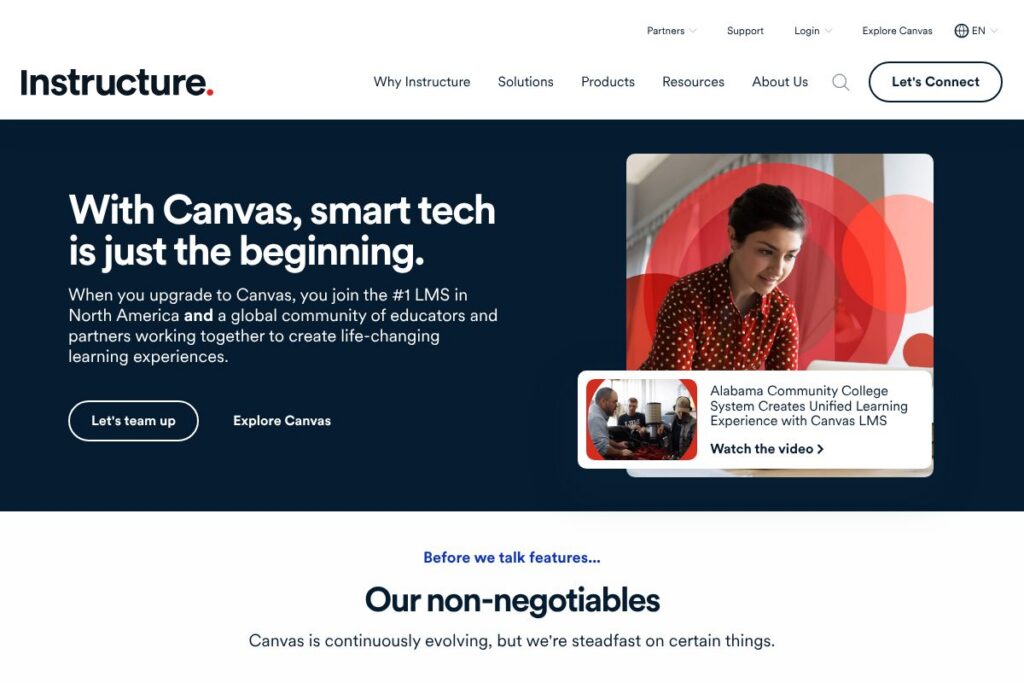
Canvas by Instructure is a learning management system used to create, deliver, and assess courses online. The platform centralizes course content, assignments, grading, and communication tools, and it is designed to support institutions from small schools to large universities and enterprises.
Canvas competes directly with Blackboard, Moodle, and Google Classroom. Compared with Blackboard, Canvas emphasizes a cleaner interface and faster course setup, while Blackboard often remains used by institutions that need deep enterprise features and custom hosting. Versus Moodle, Canvas provides a managed cloud service and a commercial support model; Moodle is stronger when organizations need a fully open source, self-hosted option. Compared with Google Classroom, Canvas offers more comprehensive assessment, analytics, and integrations suited to institution-wide LMS needs rather than lightweight classroom management.
All of this makes Canvas by Instructure well suited to institutions that need a robust, scalable LMS with broad third-party integrations and strong mobile access. It is particularly appropriate for colleges, K-12 districts, and training organizations that require centralized administration and enterprise-level uptime and support.
How Canvas by Instructure Works
Course creators build modules that contain pages, files, assignments, quizzes, discussions, and external tools. Instructors assemble modules into a syllabus or weekly structure, then use assignment submission types and rubrics to collect and grade student work.
Canvas manages user roles, enrollments, and syncs with student information systems for roster updates. Delivery happens through the web and native mobile apps, with notifications, calendar events, and grade visibility configured per course and per role.
Instructors can use analytics to identify students who need support, apply differentiated assignments, and automate grading for objective assessments. Administrators typically configure global settings, provisioning, and security controls while leaving course-level authoring to teachers.
Canvas by Instructure features
Canvas groups course design, assessment, communications, and integrations into a single platform that is updated regularly; key capabilities include course authoring, grading and analytics, mobile apps, standards-based grading, and support for LTI and SIS connections.
Course Authoring
Canvas provides a drag-and-drop content editor, modular pages, and the ability to embed rich media and external tools via LTI. Templates and import/export options speed up course cloning and semester rollovers, which benefits instructors who manage many sections.
Assignments and Rubrics
Instructors can create multiple assignment types including online submissions, quizzes, and external tool links, and attach rubrics to standardize grading. Inline annotation and version history help provide timely feedback to students.
Gradebook and Analytics
The gradebook aggregates scores, supports custom grading schemes, and allows manual adjustments; built-in analytics show participation trends and at-risk indicators. Administrators can export reports for accreditation and compliance tracking.
Mobile Apps and Offline Access
Canvas offers native mobile apps for iOS and Android that let students view content, submit assignments, and participate in discussions on the go. Offline content access and sync ensure learners can continue working with intermittent connectivity.
Integrations and LTI Support
Canvas supports Learning Tools Interoperability for deep integration with third-party tools such as video platforms, plagiarism checkers, and publisher content. These connections let instructors embed external activities and return scores automatically.
SIS Integration and Rostering
Canvas can integrate with common student information systems for automated roster provisioning and grade passback. That reduces manual enrollment tasks and ensures records align with institutional data.
Assessment, Quizzing, and Proctoring
The platform supports a variety of question types, question banks, and randomized delivery to reduce sharing, plus integration with proctoring providers for high-stakes assessments. Automated scoring and item analysis assist instructors in refining assessments.
Accessibility and Localization
Canvas includes accessibility features, screen reader support, and localization for many languages to meet diverse learner needs. Administrators can enable language packs and set accessibility defaults at an institutional level.
With these capabilities Canvas focuses on teaching workflows, reliable delivery, and extensibility through integrations as its biggest benefits for education administrators and instructors.
Canvas by Instructure pricing
Canvas by Instructure uses a custom enterprise pricing model that is tailored to institutional size, deployment preferences, and support requirements. Pricing is usually provided via institutional contracts rather than a public per-seat list, with options for cloud hosting, managed services, and enterprise support.
For specific pricing and plan details contact Instructure directly to request a quote or demo; see the Canvas by Instructure contact options to start a conversation with sales about licensing tiers, hosting choices, and service-level agreements.
What is Canvas by Instructure Used For?
Canvas is used to deliver full courses online, run blended learning programs, and centralize resources for instructors and learners. Typical uses include lecture capture and distribution, assignment collection and grading, formative assessments, and course content archiving.
Institutions use Canvas for onboarding new courses, standardizing curriculum across departments, and providing student-facing services such as calendars, grade visibility, and academic feedback. Corporate training teams also deploy Canvas for employee learning paths and compliance training where centralized reporting is required.
Pros and Cons of Canvas by Instructure
Pros
- Scalable architecture: Canvas supports large institutions and high concurrency, including multi-campus deployments and enterprise-level uptime guarantees. This scalability helps districts and universities standardize on a single LMS.
- Extensive integration support: LTI support, publisher integrations, and SIS connectors make it straightforward to connect existing tools and content, reducing the need to change established workflows.
- Strong mobile experience: Native apps for iOS and Android allow learners and instructors to access courses, submit work, and receive notifications while away from a desktop.
- Modern authoring and UX: The interface emphasizes straightforward course building, modular design, and a reduced learning curve for instructors compared with some legacy LMS platforms.
Cons
- Custom pricing and contracts: Enterprise-focused pricing can be expensive for smaller schools and may require procurement cycles, which is a barrier for some organizations. Budget planning often needs conversations with sales.
- Administrative complexity at scale: Managing large numbers of courses, enrollments, and integrations requires experienced administrators and governance processes, which smaller teams may find resource intensive.
- Feature parity vs. open source: While Canvas offers managed services, some institutions prefer open source platforms like Moodle to fully customize hosting and code for specific institutional needs.
Does Canvas by Instructure Offer a Free Trial?
Canvas by Instructure offers trial and evaluation options including free accounts for individual instructors and institutional demos. Educators can explore a trial or request a demo to test course authoring, grading workflows, and integrations; see the Canvas try or demo options to create an instructor account or request a trial environment.
Canvas by Instructure API and Integrations
Canvas provides a developer-facing REST API for automating tasks, managing courses, and exchanging data with other systems; the Canvas API documentation lists endpoints for courses, users, enrollments, and more. Developers can use the API to automate provisioning, export data, and integrate custom applications.
On the integration side Canvas connects with common education tools and services including Google Workspace for Education, Microsoft 365, Zoom, Turnitin, and various publisher platforms via LTI. Review the Canvas integrations and partnerships for specific connectors and partner capabilities.
10 Canvas by Instructure alternatives
Paid alternatives to Canvas by Instructure
- Blackboard — A long-established enterprise LMS with deep administrative controls and hosted deployment options for large institutions. Blackboard is often chosen for institutional features and compliance support.
- Brightspace (D2L) — Focuses on personalized learning and analytics with competency-based education features and flexible deployment models. It emphasizes learning outcomes and data-driven interventions.
- Schoology — A K-12 oriented LMS with a familiar social feed style interface, integrated SIS connections, and collaboration tools for classrooms. Schoology is used by districts looking for classroom-focused workflows.
- Sakai — Community-driven LMS used by higher education institutions that prefer a non-commercial governance model with hosted options available through vendors. Sakai offers collaboration and research-oriented tools.
- Google Classroom — A lightweight classroom management tool tightly integrated with Google Workspace for Education, suited to teachers who need quick setup and basic assignment workflows.
- Adobe Learning Manager — A corporate-focused learning platform with strong content creation and catalog management for enterprises that need integrated content production and LMS delivery.
Open source alternatives to Canvas by Instructure
- Moodle — A widely used open source LMS that supports extensive customization, plugins, and self-hosting; favored by institutions that need full control over their environment. Moodle can be hosted in-house or through a third-party provider.
- Open edX — An open source platform built for large-scale MOOCs and courseware, often used by universities and training providers that require complex learning sequences and custom development. Open edX supports rich content and analytics.
- Chamilo — A lightweight open source LMS with a focus on ease of use and fast deployment for smaller organizations or non-profits. Chamilo is suitable for teams that need a simple, self-hosted LMS.
Frequently asked questions about Canvas by Instructure
What is Canvas by Instructure used for?
Canvas by Instructure is used as an institutional learning management system for course delivery, assessment, and student communication. Institutions deploy it to centralize content, manage enrollments, and provide grades and feedback to learners.
Does Canvas by Instructure have an API?
Yes, Canvas by Instructure provides a public REST API for automation and integrations. The Canvas API documentation details endpoints for courses, users, enrollments, and data export.
Can Canvas by Instructure integrate with Google Workspace and Microsoft 365?
Yes, Canvas by Instructure integrates with both Google Workspace for Education and Microsoft 365. These integrations enable single sign-on, document embedding, and calendar syncing with institutional accounts.
Is Canvas by Instructure suitable for K-12 and higher education?
Yes, Canvas by Instructure is designed for K-12 districts, colleges, and universities. It supports role-based access, SIS rostering, and compliance workflows needed across different education levels.
How does Canvas by Instructure handle mobile access?
Canvas by Instructure provides native mobile apps for iOS and Android with offline capabilities. Students and instructors can view content, submit assignments, and receive notifications through the apps.
Final verdict: Canvas by Instructure
Canvas by Instructure stands out as a mature, scalable LMS that balances instructor-friendly course authoring with enterprise-grade integrations and uptime. Its strong LTI ecosystem, native mobile apps, and SIS connectivity make it a practical choice for institutions that need centralized course management and reliable delivery at scale.
Compared with Blackboard, Canvas typically offers a cleaner user experience and faster course setup, while Blackboard can be stronger on certain enterprise features and custom hosting. In pricing terms Canvas is sold via institutional contracts and custom quotes, which often places it in a similar enterprise pricing bracket to Blackboard, though total cost depends on seat counts, hosting options, and support levels; contact Instructure through the Canvas by Instructure contact options for a tailored quote.