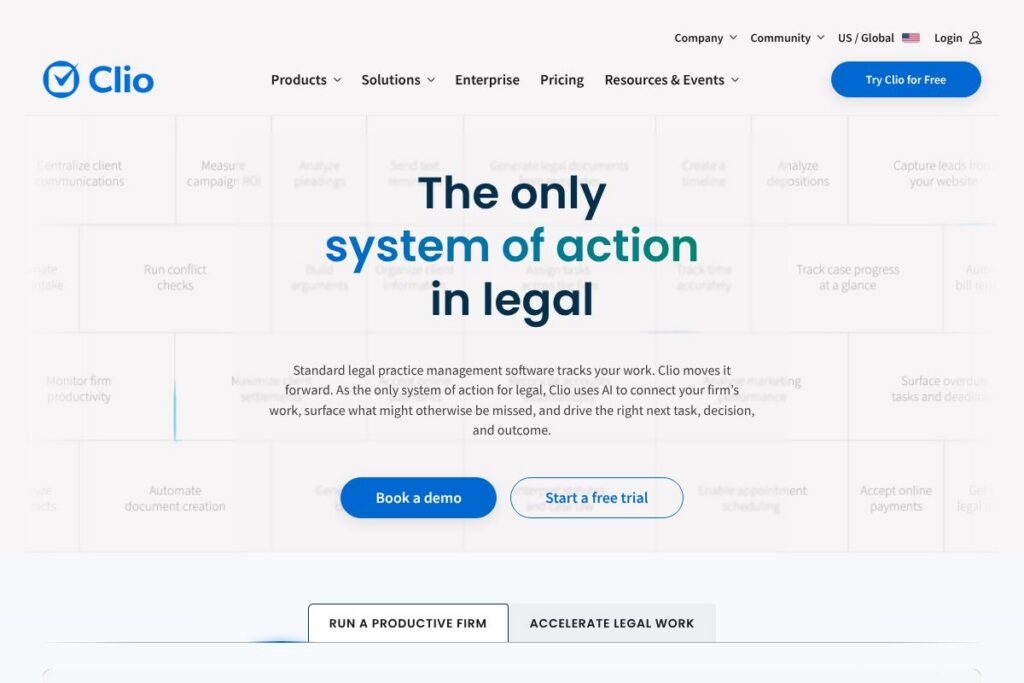
Clio: An Overview
Clio is a unified legal practice management platform built for law firms of all sizes and in-house legal teams. Core capabilities include matter and contact management, time tracking, billing and trust accounting, document management, client intake, and context-aware AI that ties work and data to firm operations. The platform positions itself as an Intelligent Legal Work Platform that links intake to invoicing and research to drafting so firms can manage both the practice and the business of law in one service.
Compared with competitors, Clio focuses on breadth of features and integrations. MyCase is often pitched at small firms and solo practitioners with simple workflows and straightforward case management. PracticePanther emphasizes automation and billing workflows for growing firms. Actionstep targets firms that want a highly configurable, workflow-driven system; Clio trades some of that deep customization for faster setup and a larger ecosystem of integrations. All three are viable alternatives depending on firm size and workflow complexity.
Clio does well at centralizing firm operations, offering a single source of truth for client work and billing while adding context-aware legal AI to reduce repetitive tasks. That combination makes it useful for solo practitioners, small to mid-size firms scaling operations, and enterprise legal departments that need consolidated reporting and compliance controls.
How Clio Works
Clio structures firm work around matters, clients, and activity items. You create a matter, attach contacts and documents, track time and expenses against that matter, and generate invoices from recorded entries. Timekeepers use the web or mobile apps to capture time in real time, and practice managers reconcile trust accounting and payments from the same system.
AI features operate on firm data to accelerate drafting, suggest next steps in workflows, and surface relevant precedents based on matter context. Intake forms or integrated phone and calendar entries create matters automatically, assigned tasks populate user queues, and billing rules convert time and expenses into invoices that can be emailed and paid online. Admins can monitor firm-level dashboards for realization, collections, and productivity.
Clio features
Clio organizes core practice management needs into a single product suite and has recently tightened integration and AI capabilities to make firm data actionable. Main areas include matter management, client intake, billing and trust accounting, document automation, legal research with AI assistance, calendaring, reporting, and a broad integrations marketplace.
Matter and contact management
Matter records consolidate client contact information, key dates, case notes, and associated documents so all team members see the same context. This reduces duplicate data entry and supports shared workflows across offices.
Client intake and CRM
Clio supports customizable intake forms, lead capture, and client portals so firms can convert callers to clients and gather required information in a structured way. Intake data flows directly into matter records to eliminate re-keying.
Time tracking and billing
Built-in timers and billing rules make it simple to record fee and non-fee time, apply hourly rates or flat fees, and assemble invoices. Billing automation reduces manual invoice creation and supports trust accounting workflows for jurisdictions that require them.
Payments and trust accounting
Clio accepts online payments, links payments to invoices, and maintains trust accounting controls for client funds. Integrated payment processing helps firms get paid faster while keeping trust balances compliant with accounting rules.
Document management and automation
Versioned document storage, centralized folders, and templates let firms draft and manage documents inside Clio or via synced integrations with Microsoft Office and Google Workspace. Automated document assembly reduces repetitive drafting tasks.
Context-aware legal AI and research
AI features analyze matter context to suggest clauses, draft basic documents, and surface relevant research notes that match client facts and practice area language. That reduces drafting time and focuses review where it matters most.
Calendar, tasks, and workflow automation
Clio synchronizes calendars, deadlines, and tasks and supports automated task creation from matter events so teams keep action items visible and prioritized. Integration with external calendars and court date reminders helps avoid deadline slips.
Reporting and analytics
Built-in reports track realization, billing, collections, and matter profitability to help firms monitor performance and resource allocation. Custom and exportable reports support bookkeeping and management review.
Integrations and ecosystem
Clio connects with hundreds of third-party apps for accounting, document editing, communication, and court filing so firms can retain preferred tools while centralizing core data. Key integrations include Office 365, Google Workspace, Microsoft Teams, and Zoom.
With these capabilities, Clio’s biggest benefit is reducing operational friction across intake, casework, and billing so firms can spend more time on substantive legal work and less time on administration.
Clio pricing
Clio uses a subscription SaaS pricing model with tiered plans for individuals, small firms, and enterprise customers, plus custom enterprise options for larger legal departments and firms. Pricing is adjusted for seat counts, module selection, and required compliance features, so firms typically choose a plan that matches their size and functional needs.
For current plan details and to see how editions map to features like AI, matter management, and enterprise security, review Clio’s plans and pricing on the official site at Clio’s plans and pricing.
What is Clio Used For?
Clio is used to manage the full lifecycle of legal work from client intake to invoicing. Firms use it for matter tracking, timekeeping, automated billing, document management, and client communication across practice areas including family law, personal injury, immigration, corporate, and more.
It is also used for firm operations such as reconciliation of trust accounts, firm-wide reporting, and integrations with accounting software. In-house legal teams and multi-office firms use Clio to standardize processes and maintain security and compliance across jurisdictions.
Pros and Cons of Clio
Pros
- Comprehensive feature set: Clio centralizes intake, matter management, billing, documents, and client communication so firms avoid stitching together multiple disconnected systems. This reduces duplication and speeds administrative work.
- Large integrations ecosystem: With over 250 integrations, Clio connects to common tools like Office 365, Google Workspace, and accounting systems so teams can keep preferred apps while syncing core firm data. Integrations help preserve existing tech investments and reduce migration friction.
- Context-aware AI: AI that uses matter context helps draft documents, summarize facts, and surface relevant research which cuts down on repetitive drafting and review time. The AI is designed to work on firm data rather than generic models, improving relevance.
- Compliance and security posture: Independent audits and compliance certifications such as SOC 2 Type 2, ISO 27001, HIPAA, and PCI demonstrate a focus on protecting client data and meeting regulatory requirements across jurisdictions.
Cons
- Customization limits for complex workflows: Firms with highly specialized, conditional workflows may find Clio’s out-of-the-box automation less configurable than workflow-first platforms like Actionstep. That can require additional integration or custom development for unusual processes.
- Price for feature breadth: Firms that only need simple case management may find Clio’s full platform more than they require, and smaller firms should evaluate whether a lighter-weight competitor offers a better price-to-feature match.
- Learning curve for consolidated features: Consolidating many capabilities into one platform means there are more features to learn, which can require time for onboarding and training for staff used to simpler systems.
Does Clio Offer a Free Trial?
Clio offers a free trial with no credit card required. The trial provides hands-on access to core features so firm decision makers can test intake, matter setup, time tracking, and billing workflows before committing to a paid subscription.
Clio API and Integrations
Clio provides a developer API for programmatic access to matters, contacts, time entries, and documents. The Clio API documentation describes REST endpoints, authentication, and example workflows for building custom integrations.
For non-developers, Clio’s marketplace lists key connectors and the platform supports integrations with Office 365, Google Workspace, Microsoft Teams, Zoom, accounting packages, and over 250 other apps to fit into existing firm toolchains. See the integrations directory for connector details.
10 Clio alternatives
Paid alternatives to Clio
- MyCase – Case management with integrated client portal and built-in billing geared toward small firms and solo practitioners. Offers streamlined workflows and client communication tools.
- PracticePanther – Automation-focused legal practice management with robust billing and client intake features designed for growing firms. Strong automation for recurring tasks and invoice generation.
- Actionstep – Highly configurable practice management and workflow engine for firms that need deep process automation and custom business rules. Suited to firms with complex operational needs.
- CosmoLex – Combines practice management with accounting and trust accounting in a single application, reducing the need for separate bookkeeping software. Emphasizes compliance for trust funds.
- Rocket Matter – Time and billing first solution with workflow and document management tools, often chosen by firms that prioritize performance and straightforward billing workflows.
- LEAP – Practice management with matter-centric templates and document automation tailored to specific practice areas, popular in some regional markets. Includes integrated legal forms.
- Smokeball – Desktop and cloud hybrid with strong document automation and productivity tooling for small firms focused on high-volume practice areas.
Open source alternatives to Clio
- Casebox – Open source case and document management system that provides recordkeeping, collaboration, and document storage for legal and investigative teams. It requires self-hosting and configuration.
- Odoo – Open source business application suite with CRM, documents, and accounting modules that can be configured for basic legal practice workflows; requires implementation work to match legal needs.
- ERPNext – General open source ERP system with modules for projects, accounting, and documents; adaptable for legal firms that want a self-hosted alternative and have developer resources.
- OpenLaw – Open source tooling focused on legal automation and smart contracts that can be used alongside case management systems for document and contract automation.
Frequently asked questions about Clio
What is Clio used for?
Clio is used for end-to-end legal practice management. Firms use it for client intake, matter tracking, document management, timekeeping, billing, and reporting to run both the practice and business functions of their firm.
Does Clio offer an API for integrations?
Yes, Clio provides a public API for developers. The Clio API documentation explains available endpoints for matters, contacts, time entries, and documents so teams can build custom integrations.
How secure is Clio for client data?
Clio maintains industry-standard security and compliance controls. The platform undergoes independent audits and meets certifications such as SOC 2 Type 2 and ISO 27001, and it provides role-based access and encryption to protect client information.
Can I migrate existing data into Clio?
Clio offers guided data migration services. Migration specialists help move contacts, matters, calendars, tasks, and documents from other systems or spreadsheets to reduce switching effort and preserve historical data.
Does Clio provide a free trial or free plan?
Clio offers a free trial with no credit card required. The trial allows firms to test core workflows including intake, matter setup, time entry, and billing before selecting a paid plan.
Final verdict: Clio
Clio stands out as a mature, full-featured legal practice management platform that centralizes client work, billing, and documents while adding context-aware AI to make routine tasks faster. Its strength is in combining operational controls, compliance-focused features, and a broad integrations marketplace so firms can run most of their workflows without stitching multiple systems together.
Compared with MyCase, Clio offers a broader feature set and a larger integration ecosystem while MyCase is often positioned for smaller firms seeking a simpler, lower-cost solution. Firms deciding between the two should weigh Clio’s deeper analytics and AI features against MyCase’s simpler interface and streamlined pricing when evaluating total cost and administrative needs.
Overall, Clio is best for firms that want a single platform to manage intake, matter work, billing, and compliance while leveraging AI to reduce drafting and administrative time. For firms that need the fastest path to scale, or that rely on many third-party tools, Clio’s combination of integrations and centralized data will usually justify the investment.