Embedded Chat: An Overview
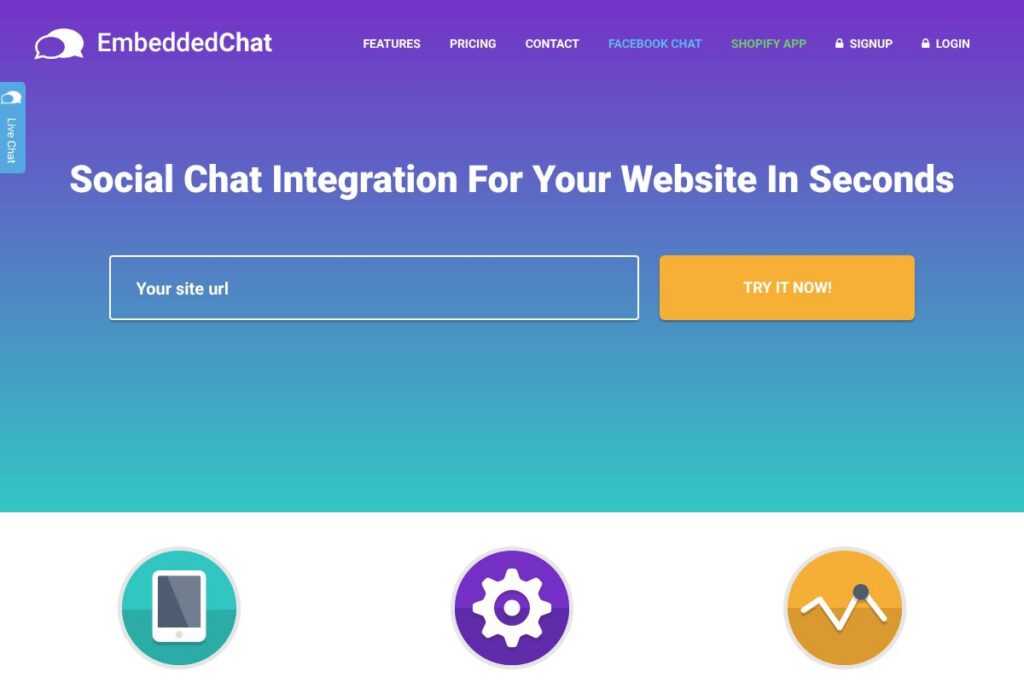
Embedded Chat is a small embeddable widget that turns a static website into an interactive space by adding group chat rooms and real-time messaging. Site owners can place a snippet of JavaScript on their pages to give visitors a persistent chat area where people can ask questions, share opinions, and invite friends. The widget focuses on visitor-to-visitor interaction rather than one-to-one support chat, which creates an on-site community feel.
Compared with comment and conversation platforms such as Disqus, Embedded Chat emphasizes live group rooms instead of threaded comments, which makes conversations immediate rather than asynchronous. Compared with live chat and support tools like Intercom, Embedded Chat prioritizes collective discussion and social invites rather than agent-driven support workflows. Compared with free chat widgets such as Tawk.to, Embedded Chat positions itself around community interaction and social sharing capabilities rather than solely support ticketing.
All of this makes Embedded Chat useful for publishers, product landing pages, event sites, and small communities that want to surface live feedback and social activity. It works best for sites that expect active visitor presence and want to increase on-site engagement through communal conversations.
How Embedded Chat Works
The widget runs as a small JavaScript snippet you add to your site header or footer, which injects the chat UI into pages where you want it to appear. Once loaded, it connects to a backend messaging service over WebSocket or a similar real-time protocol to send and receive messages instantly across connected visitors.
Administrators create and configure rooms in a simple dashboard or embed parameters; rooms can be page-specific or global across the site. Typical workflows include creating topic rooms for specific pages, pinning announcements, and enabling social invite links so visitors can share a conversation with friends.
Embedded Chat features
Embedded Chat centers on real-time group conversations and social sharing, with features that help site owners collect feedback, boost time on page, and let visitors invite others to join. The core capabilities focus on live messaging, room management, and simple moderation controls that are straightforward to install and use.
Group chat rooms
Hosts can create topic-specific rooms where multiple visitors discuss content in real time. Rooms help keep conversations organized by page or subject, which is useful for product pages, blog posts, and event pages.
Real-time messaging
Messages appear instantly for all connected visitors using a real-time transport, allowing for immediate feedback and dynamic conversations that simulate a live audience. This reduces friction compared with comment forms and email feedback.
Visitor invites and social sharing
Visitors can generate invite links or share room URLs to bring external friends into a conversation, which helps spread content and can increase site visits. Invite flows are typically a link share or a social-network share button integrated into the chat UI.
Easy embed and setup
Deployment is handled through a simple JavaScript snippet and optional configuration attributes so teams with minimal developer time can get chat running in seconds. No deep CMS integration is required for basic setups.
Moderation and user controls
Basic moderation tools allow site owners to remove messages, ban or mute users, and set room visibility. Role-based controls help assign moderators to oversee conversations without giving full administrative access.
Analytics and feedback capture
Built-in session and message counts provide basic indicators of activity and sentiment, helping site owners turn live conversations into actionable feedback. Integrations with analytics platforms or exports let teams analyze engagement trends.
Embedded Chat’s biggest advantage is enabling immediate community interaction on a site with minimal setup, turning passive visitors into participants who provide feedback and help amplify content.
Embedded Chat pricing
Embedded Chat does not publish a dedicated pricing page, so for current plan options and any free tier availability check the vendor’s homepage or contact sales for details. For comprehensive plan comparisons and up-to-date rates view the Embedded Chat homepage to confirm the latest offerings and any usage limits or enterprise options.
What is Embedded Chat Used For?
Embedded Chat is commonly used to add a live community layer to websites that benefit from visitor interaction, such as blogs, product landing pages, event sites, and online courses. Site owners use it to collect instant feedback, answer common questions in public threads, and create a more social browsing experience.
It is also used for audience retention and growth because social invites and public conversations increase return visits and encourage visitors to share pages with their networks. Teams that want a lightweight, on-page community solution rather than a full support desk or forum find Embedded Chat particularly suitable.
Pros and Cons of Embedded Chat
Pros
- Live visitor interaction: Real-time group chat rooms let multiple visitors exchange ideas and provide immediate feedback, which helps with usability testing and audience engagement.
- Low-friction installation: A single JavaScript snippet and simple configuration get chat running quickly without complex CMS work or heavy engineering resources.
- Social sharing features: Invite links and share buttons make it easy for visitors to bring others to the site, which can increase referral traffic and organic reach.
Cons
- Moderation overhead: Public group rooms require ongoing moderation to manage spam and off-topic messages, which may demand staff time for sites with high traffic.
- Limited support workflows: The widget focuses on visitor-to-visitor discussion rather than structured customer support features like ticketing and CRM integration.
- Performance considerations: Adding any third-party widget increases page weight and network requests, so testing load times and lazy-loading the script is advisable for performance-sensitive sites.
Does Embedded Chat Offer a Free Trial?
Embedded Chat does not publicly list a free plan or free trial. To confirm whether a trial or freemium tier is available and to understand any feature limits during evaluation, contact the vendor or check the homepage for trial sign-up details and terms.
Embedded Chat API and Integrations
Embedded Chat installs as an embeddable JavaScript widget and typically exposes simple integration points such as custom event hooks or webhooks for message and room activity. These hooks let you forward chat events into analytics or moderation pipelines using standard webhooks.
If you need programmatic control such as user provisioning or message management, contact the vendor about API access or developer documentation. For general background on webhooks and real-time transports see resources on WebSocket and webhook patterns, for example the WebSocket API reference and the webhook glossary and examples.
10 Embedded Chat alternatives
Paid alternatives to Embedded Chat
- Intercom — A customer messaging platform with live chat, targeted messaging, and a strong support workflow suited for product and support teams. View Intercom features at their documentation and pricing pages to compare capabilities.
- Tawk.to — A free-to-start live chat widget with paid add-ons for white-labeling and advanced features, widely used for support and customer conversations; check Tawk.to pricing for details.
- LiveChat — A commercial chat solution focused on support teams, with robust routing, reporting, and agent tools for high-volume customer service operations.
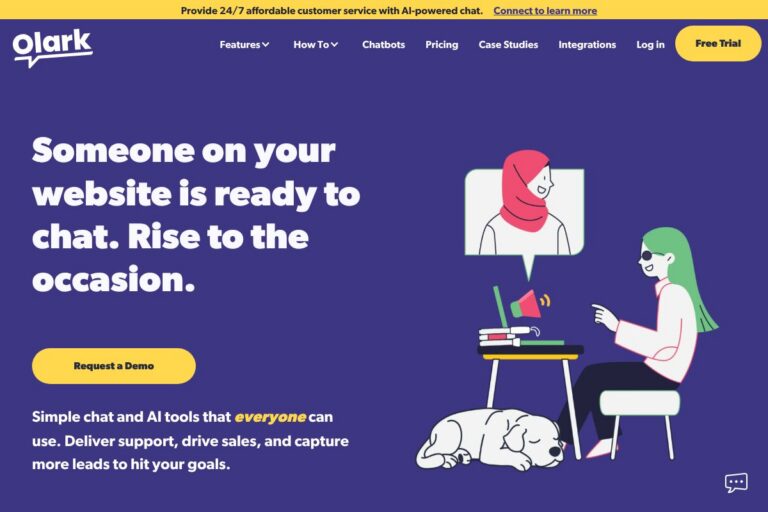
- Olark — A straightforward live chat tool with conversation transcripts, automation, and reporting useful for sales and support teams.
- Crisp — Combines live chat with knowledge base and bot features, offering a multi-channel inbox and user profiles for customer engagement.
- Chatra — Live chat with team inbox and group chat features, aimed at small businesses that want conversational on-site engagement.
- Zendesk Chat — Part of the Zendesk suite for customer support with chat routing, analytics, and deep ticketing integration.
Open source alternatives to Embedded Chat
- Rocket.Chat — An open source team chat platform that can be self-hosted and extended for public chat rooms and community features.
- Chatwoot — An open source customer engagement suite with live chat, inboxes, and multi-channel support that can be adapted for on-site conversations.
- Papercups — An open source live chat system built for product teams, focused on simple embedding and developer-friendly APIs.
- Mibew Messenger — A lightweight open source live support chat you can self-host and integrate with basic websites.
Frequently asked questions about Embedded Chat
What is Embedded Chat used for?
Embedded Chat is used to add real-time group chat rooms to a website. Sites use it to surface visitor feedback, host public discussions, and encourage social sharing and repeat visits.
Can Embedded Chat be embedded on any website?
Yes, Embedded Chat is designed to be embedded via a JavaScript snippet. It works on most sites that allow custom scripts, including static pages, CMS platforms, and many single-page applications when added to the page template.
Does Embedded Chat provide moderation tools?
Yes, Embedded Chat includes basic moderation controls. Site owners can typically remove messages, mute or ban users, and assign moderator roles to trusted contributors.
Does Embedded Chat offer an API for developers?
Embedded Chat typically provides integration points such as webhooks and event hooks for common workflows. For full API access and developer documentation contact the vendor to request access or implementation guides.
How does Embedded Chat affect site performance?
Embedded Chat adds a small third-party script and real-time connections that can impact page load and resource usage. Use lazy-loading, async script tags, and monitor performance metrics to minimize impact on user experience.
Final verdict: Embedded Chat
Embedded Chat is a practical, low-friction option for site owners who want to add a live, social layer to pages so visitors can talk to each other and provide immediate feedback. Its emphasis on group rooms and social invites makes it distinct from single-session support widgets and comment systems, which is useful for publishers, events, and product pages that benefit from communal discussion.
Compared with Tawk.to, which offers a free support-focused chat with paid upgrades, Embedded Chat favors community interaction and social sharing instead of support workflows; pricing models may differ significantly so evaluate both feature sets against your goals. For teams that need tight customer support integration, platforms like Intercom provide more CRM and automation features but at a higher price and implementation cost.
Overall, Embedded Chat is worth considering when your primary objective is to increase on-site engagement and capture real-time visitor sentiment with minimal setup. For more details, check product documentation and pricing information on the vendor homepage and weigh moderation and performance needs against the potential engagement gains.