InvoiceOwl: An Overview
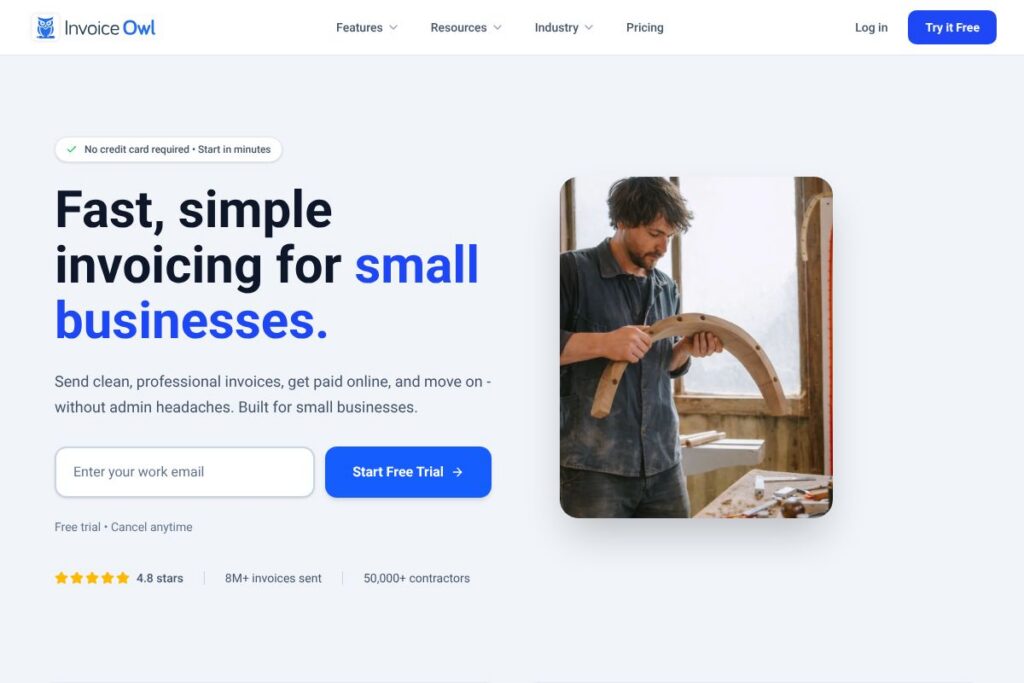
InvoiceOwl is an online estimating and invoicing tool built for contractors and small service businesses. It focuses on fast estimate creation, branded invoices, purchase order tracking, and simple client management so tradespeople can move paperwork out of the way and focus on jobs.
Compared with general accounting packages like QuickBooks Online and Xero, InvoiceOwl narrows its scope to contractor workflows such as on-site estimates, purchase orders for materials, and mobile invoicing. Against contractor-focused platforms like Jobber, InvoiceOwl emphasizes a lightweight, quick invoicing flow and a mobile-first experience rather than full-service field-service scheduling.
InvoiceOwl does well at converting on-site estimates into invoices and keeping a clear dashboard of outstanding balances, approvals, and deliveries. That combination makes it a practical choice for individual contractors and small teams who need simple billing, on-the-go estimate approval, and quick payment capture.
How InvoiceOwl Works
InvoiceOwl presents a single dashboard that surfaces unpaid invoices, pending estimates, and recent activity so you can prioritize follow-ups without spreadsheets. From the dashboard you can create an estimate, email it to a client, and when they approve it convert the estimate into an invoice in one click.
On mobile, technicians can build proposals and capture client approvals on site, then send invoices and accept card payments from the same device. Purchase orders are created and linked to suppliers and deliveries so material costs and arrivals are tracked alongside job billing.
Workflow example: create a branded estimate on your phone, reuse saved line items, send the estimate for one-tap approval, convert to an invoice on approval, then accept payment online and record it automatically against the client account.
What does InvoiceOwl do?
InvoiceOwl centers on estimating, invoicing, purchase orders, client records, and mobile payments. Core tools include reusable line items for quotes, branded templates, a unified client ledger, and purchase order tracking that links materials to jobs. The platform also provides a field-friendly mobile app that works offline and syncs later.
Let’s talk InvoiceOwl’s Features
Dashboard
The dashboard gives a one-page view of unpaid invoices, pending estimates, and recent payments so you can quickly see cash flow and follow-up priorities. It reduces time spent hunting through records and provides quick access to client accounts and open jobs.
Estimates
Create branded, professional estimates with reusable items and prefilled line entries to speed quoting on site. Clients can approve estimates electronically and approvals convert directly into invoices to remove duplicate data entry.
Purchase Orders
Generate purchase orders for materials and suppliers, track delivery status, and keep records of what has been ordered versus what has arrived. This helps match material costs to specific jobs and maintain accurate job margins.
Invoicing
Issue clean invoices with your branding, attach job notes and materials, and send invoices by email or SMS; invoices can include online payment links to accelerate collection. Recurring invoices and payment reminders reduce manual follow-up.
Client Management
Each client record stores a complete history of estimates, invoices, payments, and outstanding balances for quick context during calls or site visits. Client-level balances and past job history make collections and repeat quoting faster.
Mobile App
Create estimates and invoices, capture signatures, and accept payments from the field with an app that syncs automatically when online. Offline capability ensures you can work where you actually work and avoid double entry later.
Online Payments
Accept card and digital payments tied to invoices to shorten the payment cycle and reduce manual chasing. Payment receipts are recorded against the client account which simplifies reconciliation and reporting.
With these features InvoiceOwl helps contractors spend less time on admin and get paid faster while keeping client and job records organized.
InvoiceOwl pricing
InvoiceOwl uses a subscription model with a free trial and tiered plans tailored to contractors of different sizes; specific plan details and current rates are published by the vendor. Check InvoiceOwl’s current pricing options for up-to-date plan structures, trial length, and any promotional offers.
What is InvoiceOwl Used For?
InvoiceOwl is commonly used for on-site estimating, turning approvals into billable invoices, and tracking purchase orders for materials. Contractors use it to create branded quotes, capture client approvals quickly, and maintain a clear ledger of what customers owe across multiple jobs.
It is ideal for plumbers, electricians, painters, HVAC techs, and other trades who need a mobile-friendly billing system that integrates estimates, purchase orders, and payments without heavy accounting features.
Pros and Cons of InvoiceOwl
Pros
- Simple contractor-focused workflows: The interface is organized around estimates, purchase orders, and invoices so tradespeople can complete the billing cycle with minimal steps.
- Mobile-first capabilities: Create estimates, capture approvals, and accept payments from the field which reduces time between job completion and payment.
- Clear client history: Each client view consolidates estimates, invoices, payments, and outstanding balances for fast access during calls or visits.
Cons
- Limited full accounting features: As a focused invoicing and estimating tool, it does not replace full accounting software for tax filing and complex payroll needs.
- Unknown advanced reporting: Larger businesses that require deep analytics or customizable financial reports may need to export data to accounting platforms for additional analysis.
Does InvoiceOwl Offer a Free Trial?
InvoiceOwl offers a free trial that lets new users start without a credit card; the trial provides access to core estimating, invoicing, and payment features so you can test quoting, approvals, and mobile workflows before subscribing.
InvoiceOwl API and Integrations
InvoiceOwl connects with common payment gateways and accounting tools so payments, invoices, and client records can flow to other systems. For developers and integrators, review InvoiceOwl’s integration and developer resources for available connectors and API documentation.
10 InvoiceOwl alternatives
Paid alternatives to InvoiceOwl
- QuickBooks Online – Full accounting suite with invoicing, payments, payroll, and bank reconciliation suitable for businesses that need end-to-end finance tools.
- FreshBooks – Simple invoicing and time tracking with strong client communication features for small service businesses.
- Jobber – Field service management built for small to mid-size home service businesses with scheduling and client portals.
- Xero – Cloud accounting with invoicing, bank feeds, and integrations for businesses that want broader financial controls.
- ServiceTitan – Enterprise-focused field service management for larger contractor businesses requiring dispatch, CRM, and advanced reporting.
- Zoho Invoice – Cost-effective invoicing with automation and multi-currency support for small businesses.
- Square Invoices – Free invoicing plus integrated payments and POS tools that work well for on-site payments and basic invoicing.
Open source alternatives to InvoiceOwl
- Invoice Ninja – Open source invoicing and billing platform that supports self-hosting and includes proposals, invoices, and payment gateways.
- ERPNext – Open source ERP with invoicing, purchasing, inventory, and accounting modules suitable for businesses that want broader functionality.
- Siwapp – Lightweight open source invoicing application focused on generating and managing invoices for small organizations.
Frequently asked questions about InvoiceOwl
What is InvoiceOwl used for?
InvoiceOwl is used for creating estimates, purchase orders, and invoices for contractors and small service businesses. It helps manage client records, accept online payments, and track outstanding balances.
Does InvoiceOwl offer mobile apps?
Yes, InvoiceOwl provides a mobile app for creating estimates, sending invoices, and accepting payments from the field. The app supports offline work and syncs when a connection is available.
Can InvoiceOwl accept online payments?
InvoiceOwl accepts online payments tied to invoices to speed up collections. Payment provider options and fees will depend on the gateway you connect.
Does InvoiceOwl integrate with accounting software?
InvoiceOwl integrates with common accounting and payment platforms to streamline bookkeeping. Check InvoiceOwl’s integrations page for specific connectors and setup instructions.
Is there a free trial for InvoiceOwl?
InvoiceOwl offers a free trial with no credit card required. The trial gives access to core features so you can evaluate estimates, invoicing, and mobile workflows before choosing a plan.
Final Verdict: InvoiceOwl
InvoiceOwl is a concise, trade-oriented invoicing and estimating tool that removes friction from on-site quoting and payment collection. Its mobile-first approach, purchase order tracking, and straightforward client ledgers make it a practical option for sole operators and small contractor teams that need quick, job-focused billing without a full accounting suite.
Compared with Jobber, which starts at $29/month for basic field service features, InvoiceOwl leans more heavily into fast estimates, on-the-spot approvals, and simple PO tracking rather than robust scheduling or advanced CRM. For contractors whose primary need is solid estimating and faster payments, InvoiceOwl provides a simpler, more direct workflow; businesses that need dispatching, advanced job scheduling, or full accounting may prefer a broader platform like Jobber or QuickBooks Online.