What is Slido
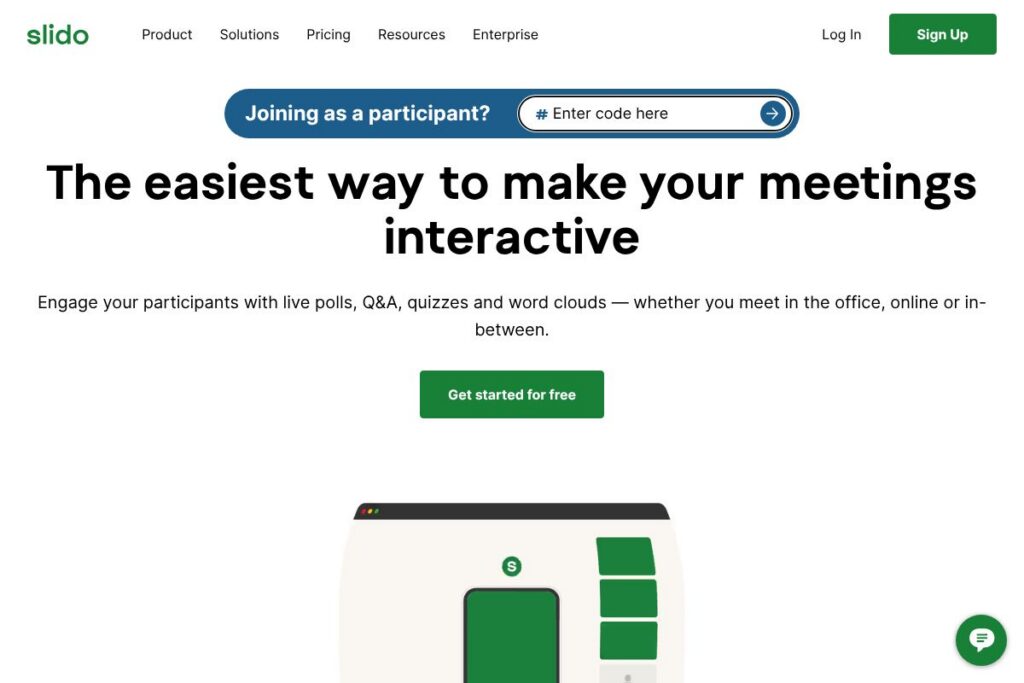
Slido is a web-based audience interaction tool designed to add live polls, Q&A, quizzes and surveys to meetings and events. It focuses on quick setup and low friction for attendees, who can join without downloads or logins, and it captures responses in real time for presenters and organizers.
Compared with other meeting engagement tools, Slido emphasizes simplicity and broad conferencing integrations. Mentimeter targets slide-based presentations with design-oriented visuals, while Poll Everywhere focuses on classroom-style and mapped response types. Kahoot! leans toward gamified quizzes for education and training, making Slido a better fit where straightforward polling and moderated Q&A are priorities.
Slido excels at quick audience participation and live Q&A moderation, making it suitable for internal company meetings, conferences, and remote training. Its low-friction attendee experience and integrations into common meeting platforms make it especially useful for meeting hosts who need reliable, real-time engagement without a steep learning curve.
How Slido Works
Hosts create an event in the web interface, configure polls, quizzes or Q&A sessions, and share a short event code or link with participants. Attendees join using a browser on any device, submit votes or questions, and results appear instantly for the host to display on-screen or inside an integrated meeting platform.
During a session hosts can moderate incoming questions, launch live polls with several formats, and display real-time charts. After the event, Slido provides exports and basic analytics so organizers can review responses, identify trends, and follow up with attendees.
Slido features
Slido bundles live polling, audience Q&A, quizzes, and reporting into a simple interface that emphasizes ease of use and fast setup. Recent updates have focused on deeper integrations with video conferencing platforms and enhanced moderation tools for larger events.
Live Polls
Create multiple poll types including multiple choice, word cloud, rating and ranking, and collect instant visual results. Polls let presenters gauge sentiment, prioritize topics, and steer a live conversation based on audience feedback.
Q&A Moderation
Participants submit questions anonymously or with names and hosts can moderate, highlight, or upvote questions to surface the most relevant items. This reduces repeated questions and helps speakers address audience priorities efficiently.
Quizzes and Surveys
Run timed quizzes for training or lightweight knowledge checks, and use surveys to collect structured feedback after sessions. Quizzes include scoring options so organizers can measure participant performance during workshops or learning sessions.
Integrations with Presentation and Meeting Tools
Slido integrates with major meeting platforms and presentation tools so hosts can run interaction directly inside slides or calls. These integrations reduce context switching and make it easier to present results live without separate windows.
Analytics and Exporting
After events organizers can export poll results and Q&A transcripts for reporting and follow-up. Basic analytics help identify participant trends and evaluate engagement across sessions.
With Slido you get straightforward, reliable audience interaction tools that require minimal setup and are easy for attendees to use on any device.
Slido pricing
Slido uses a freemium SaaS pricing model. A forever-free Basic plan is available for simple events, and paid plans are offered for additional features and larger audiences, with paid options referred to on the homepage starting at €15 per month.
Monthly Billing:
Basic (Free): Free access to core features such as single polls, basic Q&A and a limited number of participants, suitable for small team meetings.
Standard: €15/mo (as listed on Slido’s homepage) includes additional poll types, increased participant limits, and advanced moderation features for more structured sessions.
Annual Billing:
Annual billing is available and typically reduces the effective monthly cost for regular users; exact annual prices and discounts vary by plan and region. View Slido’s current pricing options for up-to-date annual rates and comparisons.
Enterprise
Enterprise – Custom pricing for large organizations, which usually includes single sign-on, advanced security, dedicated support, and higher participant limits. Contact Slido’s enterprise team through the enterprise information on their site to discuss volume and compliance requirements.
What is Slido Used For?
Slido is commonly used to increase audience participation in internal meetings, town halls, webinars, and conferences through live polls and structured Q&A. Organizers use it for collecting sentiment, prioritizing discussion topics, and keeping remote or hybrid audiences engaged.
It is also used in training and workshops for quick knowledge checks with quizzes and in events for feedback collection and session ratings. Teams that run frequent presentations across distributed teams benefit from Slido’s integrations and low-barrier attendee experience.
Pros and cons of Slido
Pros
- Low-friction attendee join: Attendees can participate without downloads or logins, which increases response rates and lowers barriers to entry.
- Multiple interaction types: Offers polls, Q&A, quizzes and surveys in one place, which covers a wide range of meeting engagement needs without adding separate tools.
- Good conference integrations: Integrates with popular meeting platforms to present polls and Q&A directly within calls, reducing context switching during events.
- Scalable moderation tools: Moderation and upvoting features help manage large Q&A streams and surface high-priority questions.
Cons
- Advanced analytics limited: Built-in analytics are useful for post-event review but may lack the depth some enterprise customers require for detailed reporting and BI workflows.
- Pricing clarity for larger teams: While a Basic free plan and an entry paid option are listed, detailed tiered pricing for large or complex deployments requires contacting sales.
- Feature depth vs specialist tools: For highly gamified learning experiences or advanced survey logic, specialized platforms like Kahoot! or full-featured survey products may be a better fit.
Does Slido Offer a Free Trial?
Slido offers a free plan and paid options. The Basic plan is forever-free and covers essential polling and Q&A features for small meetings; paid plans with more features and higher participant limits start at €15 per month as noted on the homepage.
Slido API and Integrations
Slido provides integrations with a range of conferencing and presentation platforms including Microsoft Teams, Zoom, Google Slides, and PowerPoint, allowing hosts to launch polls and show live results inside those environments. See Slido’s integrations information for specifics on each platform.
For custom workflows and automation Slido offers developer-facing capabilities and documentation for connecting events and extracting results. Check the Slido site for the relevant developer and API documentation which describes available endpoints and integration options.
10 Slido alternatives
Paid alternatives to Slido
- Mentimeter — Interactive slide-based polls and visually polished results aimed at presentations and workshops.
- Poll Everywhere — Real-time polling that works across slides and classroom scenarios with varied response types.
- Kahoot! — Gamified quizzes and learning activities for training and education with strong engagement mechanics.
- Pigeonhole Live — Q&A and polling focused on conference and event workflows with attention to audience management.
- Vevox — Live polling and Q&A with an emphasis on enterprise meeting use and PowerPoint integration.
- Microsoft Forms — Simple surveys and quizzes integrated into Microsoft 365 for basic polling across organizations.
- Zoom Polling — Native polling within Zoom meetings for quick audience checks without third-party tools.
Open source alternatives to Slido
- LimeSurvey — Self-hosted survey platform that supports complex questionnaires and data exports for analysis.
- Nextcloud Polls — Lightweight polling app within the Nextcloud ecosystem, suitable for internal decision-making and simple votes.
- Framadate — Open-source scheduling and simple polling tool useful for small groups and lightweight use cases.
Frequently asked questions about Slido
What is Slido used for?
Slido is used for live audience interaction, including polls, Q&A, quizzes and surveys. Organizers use it to collect feedback, prioritize questions, and increase engagement in meetings and events.
Does Slido have a free plan?
Yes, Slido offers a forever-free Basic plan. The Basic plan provides core polling and Q&A features suitable for small meetings; paid plans add capacity and advanced features.
Can Slido integrate with Microsoft Teams?
Yes, Slido integrates with Microsoft Teams. Integration allows hosts to run polls and display Q&A directly in Teams meetings and channels.
How do participants join Slido sessions?
Participants join Slido through a short event code or direct link in their browser. No app download or account creation is required, which simplifies participation for large or external audiences.
Does Slido provide event analytics?
Yes, Slido provides post-event exports and basic analytics. Organizers can download poll results and Q&A transcripts for reporting and follow-up, with more advanced reporting available on paid plans or via enterprise arrangements.
Final verdict: Slido
Slido is a practical, user-friendly choice for teams and event organizers who need reliable live polling and moderated Q&A with minimal setup. It shines in scenarios where attendee friction must be low and integration with common meeting platforms is important, and its forever-free Basic plan makes it easy to try.
Compared to Mentimeter, Slido is stronger on moderated Q&A and seamless meeting integrations, while Mentimeter places more emphasis on presentation-driven visuals. Both offer free tiers, and Slido lists paid plans beginning at €15 per month, making it a competitive option for organizers who want practical engagement features without complex setup.
Overall, Slido is a solid choice for internal meetings, webinars and conferences where straightforward interaction, quick setup and reliable integrations are priorities. For large-scale enterprise requirements or deeper analytics, the enterprise option and integrations can be explored through Slido’s site.